

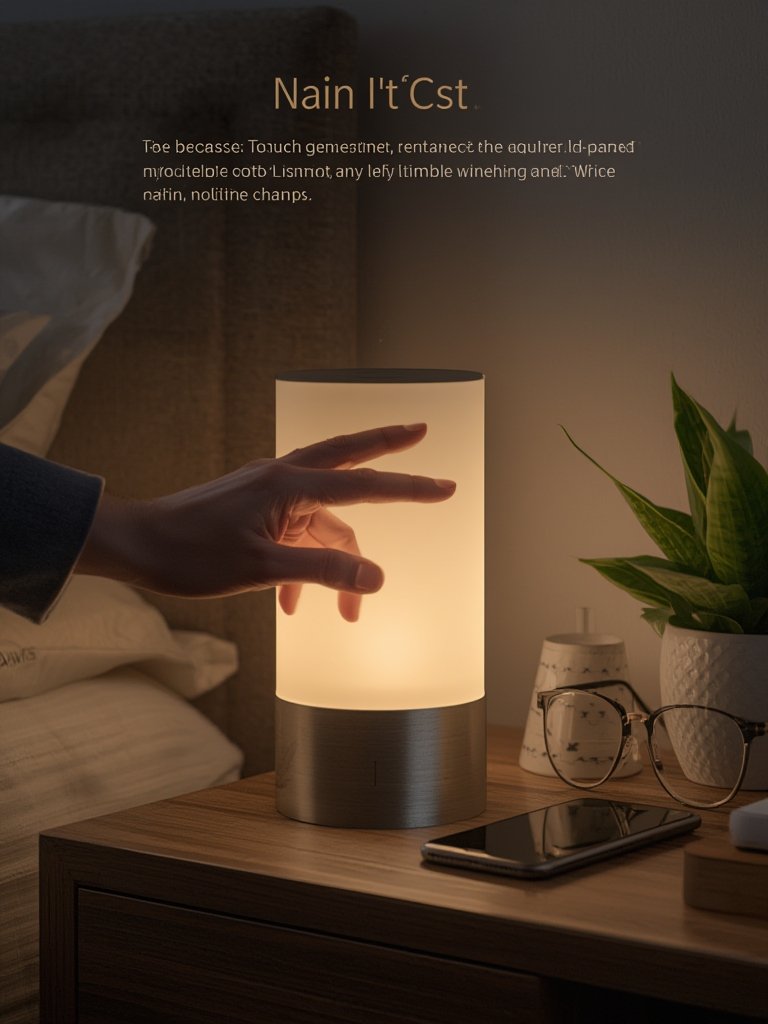
Smart Lights Compatible With Alexa have quickly shifted from being luxury tech to must-have essentials for modern homes. If you want seamless voice or app control over your lighting, you’re in the right place—this guide breaks down exactly what matters in 2024, real-world issues to expect, and actionable strategies for hands-free lighting that actually works.
Key Takeaways
- The global market for Alexa-compatible smart lights is booming, fueled by voice control convenience and IoT adoption in the US.
- Most models are easy to set up, but connectivity and app performance can create headaches even for tech-savvy users.
- Prioritizing efficiency, real-time integration, and privacy makes your smart lighting experience safer and hands-free.
- What Makes Smart Lights Compatible With Alexa a Game Changer?
- How to Choose & Integrate Alexa-Compatible Smart Lights (Step by Step)
- Advanced Analysis & Common Pitfalls
- Conclusion
- FAQ: Smart Lights Compatible With Alexa
What Makes Smart Lights Compatible With Alexa a Game Changer?
Alexa-compatible smart lights are lighting devices that connect directly to your home WiFi or hub and interface with Amazon Alexa for hands-free control. The “smart” part isn’t just turning lights on or off—it’s about automation, mood creation, scheduling, and integration with broader smart home routines (like security, entertainment, or energy saving).
In 2024, over 60% of new smart lighting sales in the US were compatible with Alexa, Google Assistant, or Apple HomeKit. Voice-activated features are now mainstream, driven by the need for convenience, accessibility, and personalization [source]. And with 61% of US households owning an Amazon Echo, adoption is only accelerating [source].
The stakes are high: the global smart lighting market is projected to reach over $112 billion by 2033, with a CAGR above 20% [source]. North America leads, but Asia-Pacific is catching up due to energy-saving incentives.
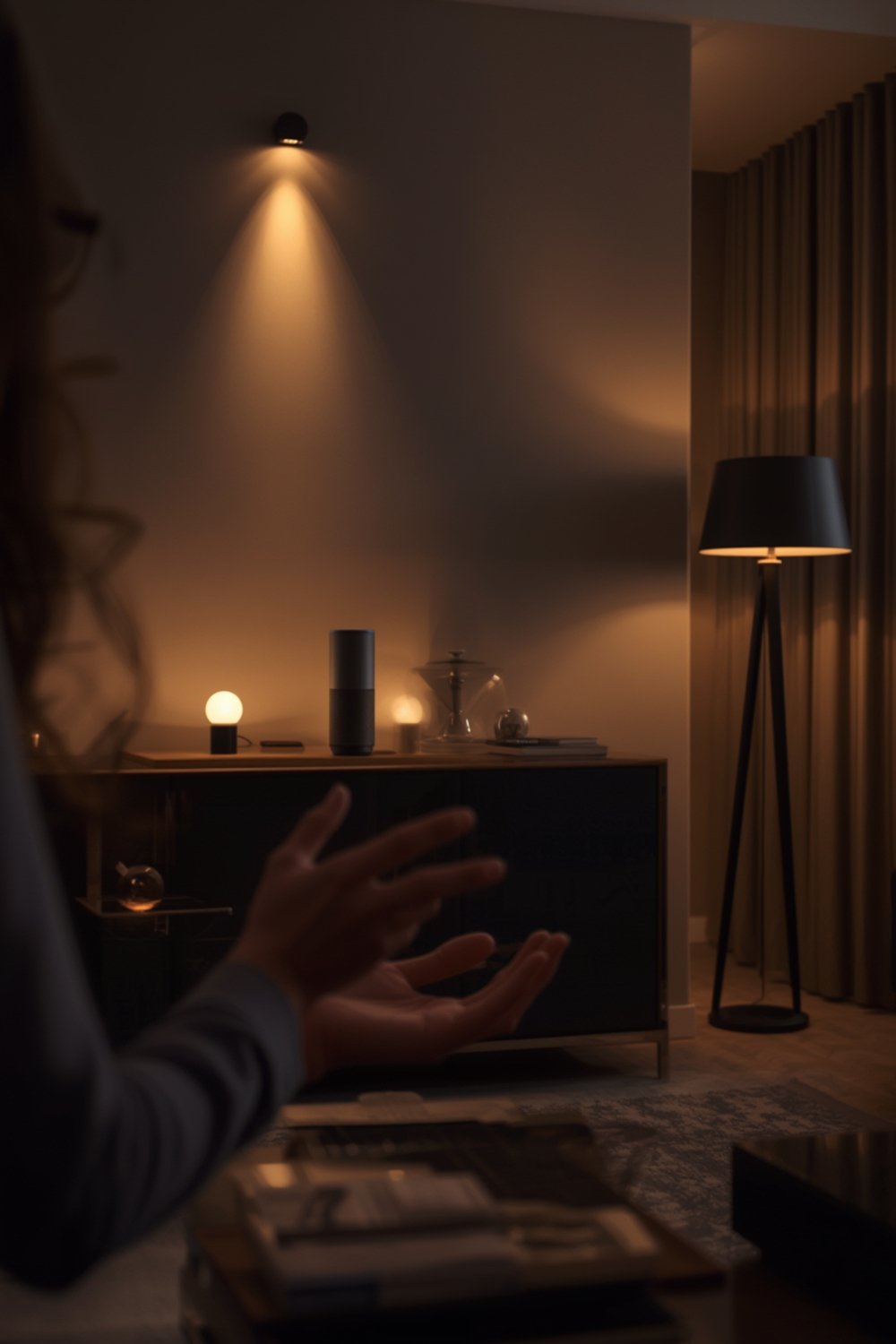
For homeowners and renters, these lights mean you can:
- Switch lights on or off by voice, even if your hands are full
- Automate wake-up or bedtime routines
- Change brightness and color for mood or productivity
- Save energy with better schedules and real-time occupancy detection
To take it further, advanced features include real-time IoT connections for predictive maintenance and AI-powered adaptive lighting that supports healthy circadian rhythms—features other tech upgrades rarely match.
If you’re comparing upgrade paths, Alexa-compatible smart lighting pairs especially well with energy efficient light bulbs and modern standing lamps for maximum savings and flexibility throughout your home.
How to Choose & Integrate Alexa-Compatible Smart Lights (Step by Step)
-
Evaluate Your Lighting Needs
Start by identifying rooms or areas where you want voice control or automation. Decide if you need a bulb, light strip, panel, or full fixture upgrade. For focused tips on saving energy, consult our full guide on energy saving light bulbs. -
Check Alexa Compatibility
Make sure the product is labeled as “Works with Alexa.” Bonus if it also supports Google Assistant or Apple HomeKit for future flexibility. -
Choose Connectivity Options
Decide between WiFi, Bluetooth, or Zigbee hub. WiFi is the simplest for most; Zigbee is ideal for more reliable mesh networking, especially if you plan to expand your smart home setup. -
Compare Specs: Brightness, Color, & Efficiency
Look for brightness (lumens), color range (RGBWW for full spectrum), and a high Energy Star rating. If you want to minimize blue light at night, see our guide on sleep friendly bulbs. -
Straightforward Setup
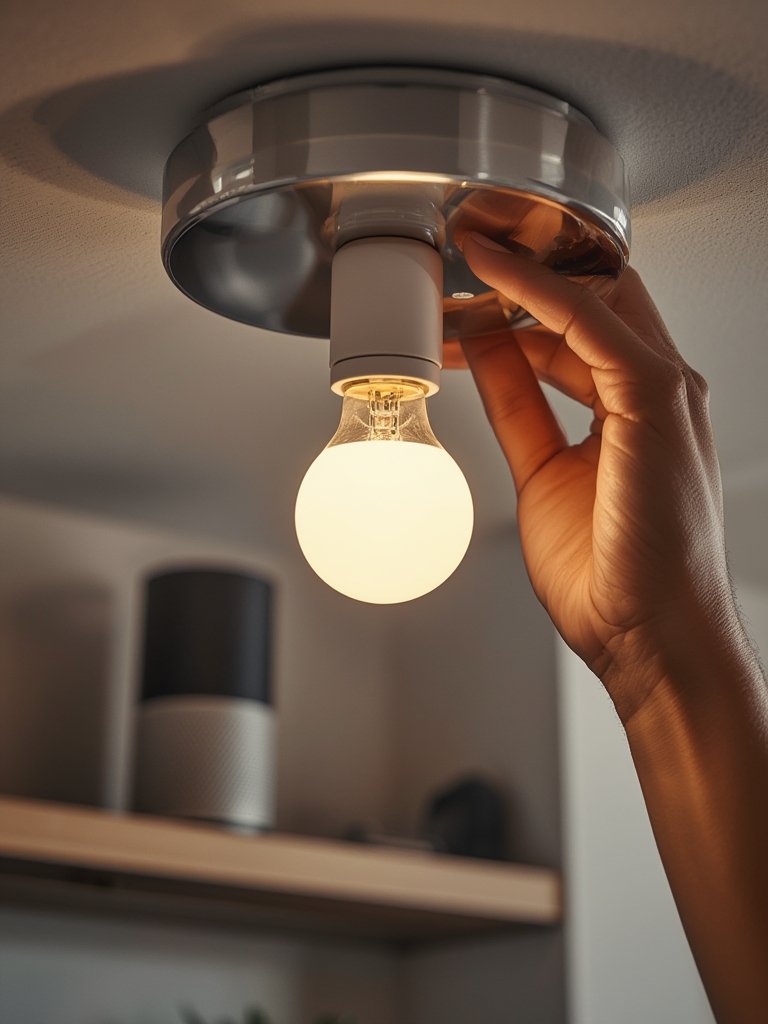
Most Alexa-compatible devices install like any bulb or fixture, but you’ll need to connect them via the Alexa app. Some require an extra app or zigbee hub. -
Test Hands-Free Features
Enable routines, scene settings, and test voice commands for dimming, color, or grouping by room. -
Automate for Energy & Security
Create schedules or motion triggers so lights turn off when not needed—for outdoor options, try advanced products like Govee outdoor LEDs for patios and entryways. -
Review Privacy Settings
Check what data each app tracks or shares, and use two-factor authentication if available.
For more inspiration, check our strategy guides:
- Smart Lights Compatible With Alexa: Top Picks for Seamless Control
- Lutron Caseta Smart Switch optimization tips
Advanced Analysis & Common Pitfalls
Even the best smart lights compatible with Alexa can bring a few surprises. Here’s what users routinely report—and how to sidestep common issues:
| Challenge | Typical Causes | Solution |
|---|---|---|
| Unreliable Connection | Poor WiFi coverage, interference, outdated firmware | Use mesh WiFi, update devices, consider a Zigbee hub for scalability |
| Complex Setup | Poor app design, unclear instructions | Always use official apps, check for clear in-box instructions or tutorials |
| Delayed Voice Commands | Sluggish router, network congestion, Alexa cloud processing lag | Restart router, move devices closer, segment your IoT traffic |
| Privacy Concerns | Microphone always on, data sharing with third parties | Check app permissions, enable two-factor sign-in, use physical switches when home |
| Bulb Lifespan & Replacements | Low-quality brands, running at max brightness | Buy from reputable brands, dim when possible, check warranty |
For advanced hands-free automation, the following features truly set Alexa-compatible lights apart:
- Voice-activated control for routines and moods (beyond just on/off)
- Real-time IoT connectivity for adjustments and predictive energy savings
- AI-powered adaptive lighting for improved sleep and productivity
If you plan to extend Alexa controls to stairs, consider dedicated stair lighting solutions for both safety and style.
Safety and privacy are just as important as convenience. Many users overlook these steps until a problem emerges:
- Review all app permissions before first use
- Update firmware regularly, especially for Zigbee or WiFi bridges
- Reset devices if you change networks or move
- Don’t forget physical switches can override smart control—leave them on
For more in-depth tips, see our detailed buyer guides on smart home lighting setup and beginner smart home lighting systems.
Conclusion
Smart Lights Compatible With Alexa are more than a smart-home convenience—they’re a practical, scalable upgrade that pays off over time. By choosing the right connectivity, understanding your needs, and proactively addressing privacy and setup concerns, you get real hands-free control and safer, more efficient lighting at home.
Ready to make your lighting finally just “work”—with your voice and routines? Start with our step-by-step Alexa-compatible lighting setup guide and experience the difference instantly. Your home, your style, hands-free.
FAQ: Smart Lights Compatible With Alexa
Are Alexa-compatible smart lights secure to use?
Most major brands use encrypted connections for device registration. However, you should review data-sharing policies, enable two-factor authentication, and update firmware often.
Do I need a smart hub, or can lights connect to Alexa directly?
Most WiFi-based smart bulbs connect directly to Alexa, while Zigbee models may need a hub. Read the specs before buying for your existing setup.
What should I do if the lights become unresponsive?
Check your WiFi and restart both the smart device and your Alexa speaker. If issues persist, re-add the bulb via the Alexa app or manufacturer’s app.
Can I use Alexa-compatible smart lights without the Alexa app?
You need the Alexa app for initial setup. Afterward, many features are voice-controlled, but full customization (routines, grouping) requires the app.
How do Alexa-compatible smart lights help save energy?
They offer scheduling, dimming, and real-time automation, so you only use light when you need it. For advanced tips, see our energy efficient lighting guide.