

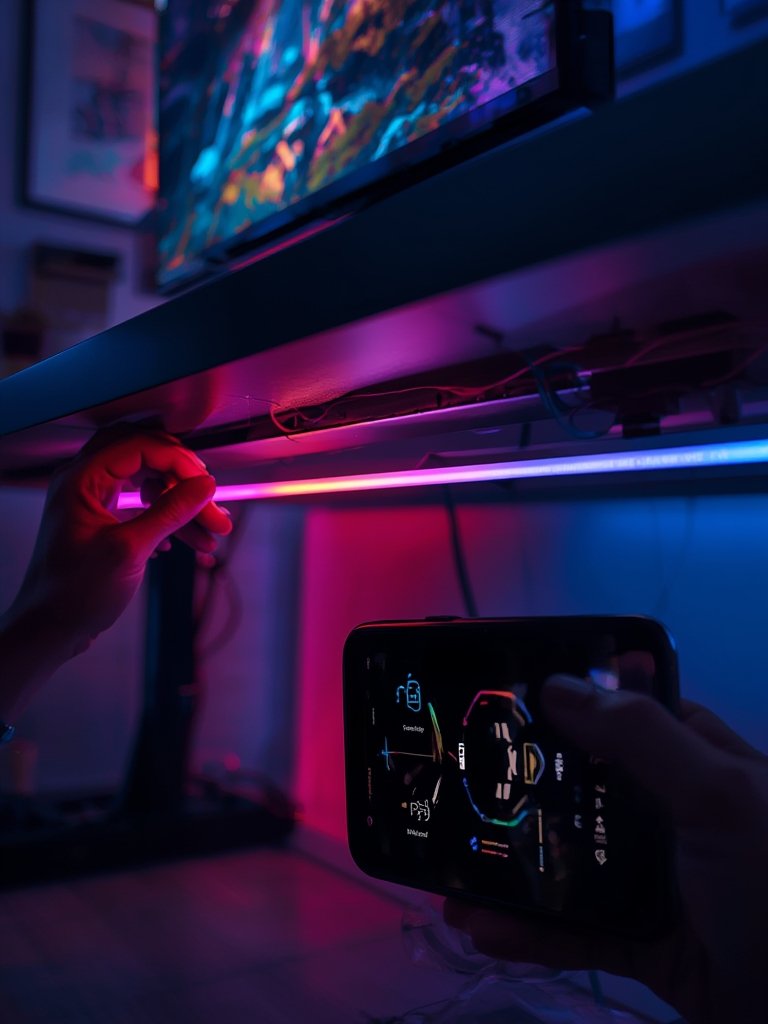
Smart home lighting solutions have become a cornerstone of modern living, transforming ordinary spaces into responsive, energy-efficient environments that boost convenience, comfort, and control. Whether you’re curious about the latest trends or planning an upgrade, understanding how these intelligent systems work—and how to avoid costly mistakes—is essential for getting real value from your investment.
Key Takeaways
- The smart home lighting market is growing rapidly, led by Europe and North America. Wireless systems are increasing in popularity, but wired setups still dominate for reliability.
- User pain points often involve setup, compatibility across brands or ecosystems, and ongoing maintenance—not always discussed in reviews.
- Choosing the best smart lighting solution requires careful attention to connectivity, integration with platforms like Alexa and HomeKit, and security standards.
- What Is Smart Home Lighting and Why Does It Matter?
- Step-by-Step Guide: Setting Up and Maximizing Smart Home Lighting
- Advanced Analysis & Common Pitfalls
- Conclusion
- FAQs
What Is Smart Home Lighting and Why Does It Matter?
Smart home lighting refers to lighting systems outfitted with network-connected controls, automated schedules, and integration with smart assistants. These solutions allow homeowners to manage illumination remotely, automate routines, and trim energy costs—often through a smartphone, voice command, or pre-programmed sensors. The core benefit is elevated flexibility and personalization, so your home lighting adapts to your lifestyle rather than the other way around.
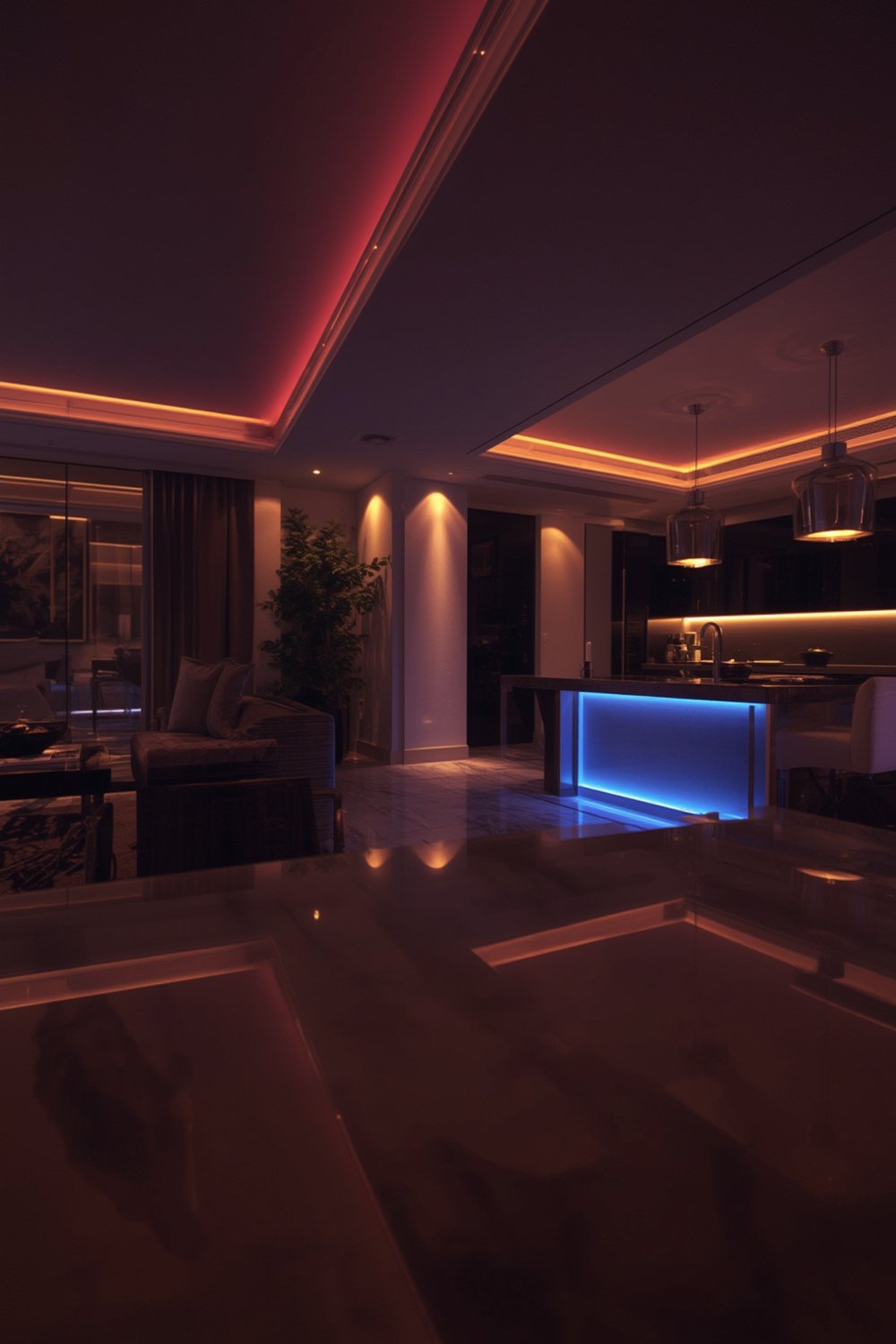
By 2024, the global smart lighting market surged to over USD 22 billion, with Europe (38% share) and North America (39.7%) dominating adoption due to active IoT integration and smart home enthusiasm. Asia Pacific is gaining speed, driven by increasing awareness of energy savings in countries like India and Japan (source).
Smart lighting helps reduce waste, enables scene-based mood settings, and makes daily routines hands-free. Leveraging platforms such as Alexa, Google Home, or Apple HomeKit further unlocks voice-driven convenience and interconnected automations for everything from wake-up routines to nighttime security scenes. See how energy efficiency compares with energy efficient light bulbs versus smart LED bulbs for further savings.
Step-by-Step Guide: Setting Up and Maximizing Smart Home Lighting
Follow this practical workflow to plan, install, and optimize your first (or next) smart lighting system—whether in a single room or your entire home.
-
Define Your Needs and Priorities
Ask yourself: Do you want automated routines, dimming, color control, or security pairing? Sketch a map of rooms to determine which areas will benefit most (kitchen, bathrooms, bedrooms, home office, outdoor). -
Choose Compatibility and Ecosystem
Pick your preferred smart home platform—Alexa, Google Home, Apple HomeKit, or a universal protocol like Matter. Check every product’s box for “works with” indications. -
Decide Between Wired and Wireless
Wired lighting (65% of systems in 2024) offers rock-solid reliability for new builds or full renovations, while wireless smart bulbs, switches, and hubs are perfect for upgrades without rewiring. Read up on Lutron Caseta Smart Switch for flexible installation tips. -
Select Hardware and Features
Mix and match smart LED bulbs, light strips, wall switches, sensors, and controllers. Seek out motion sensors for halls and staircases—see our guide to LED step lights—or color bulbs for ambient settings. -
Install and Connect
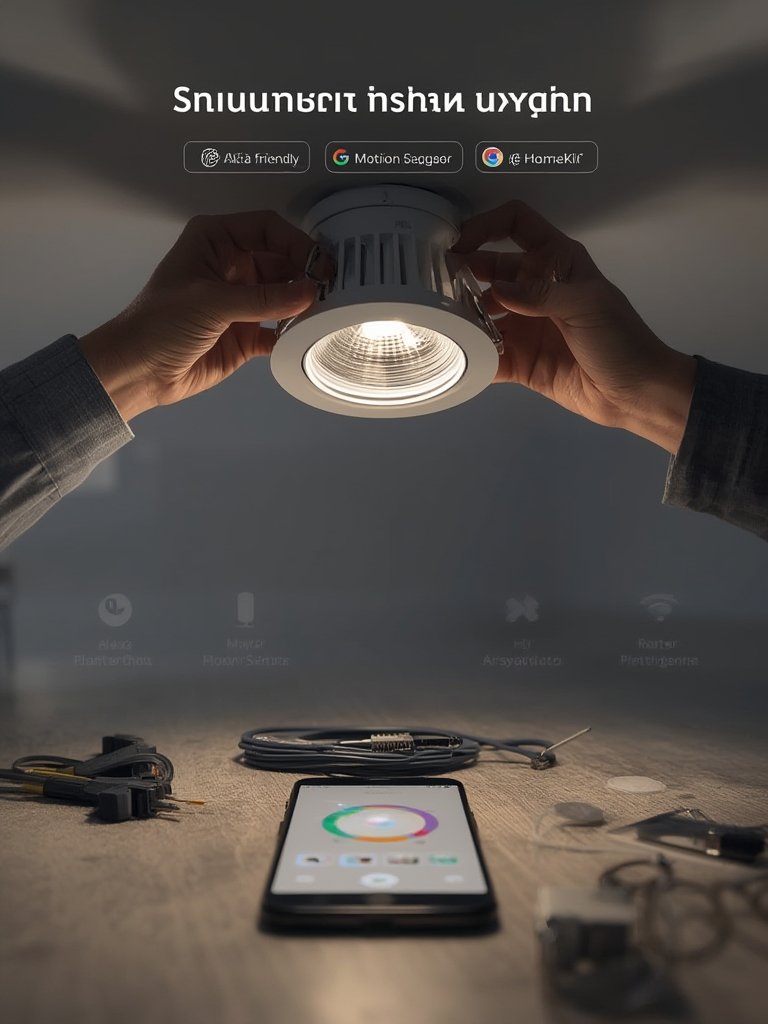
Mount bulbs, switches, or hubs per instructions. Link them using the app or your smart speaker. Test each connection individually before rolling out automation. -
Automate and Personalize
Set up automation based on habits: schedules, motion triggers, daylight sensors. Explore scene options, like “Movie Night” or “Wake Up.” Experiment with smart LED strip lights for creative room transformations. -
Integrate with Other Devices
Sync lighting with smart thermostats, security systems, or voice assistants. Choose platforms that support open standards like Matter for future-proofing and cross-brand control. -
Review, Maintain, and Update
Regularly check for firmware updates to patch security and unlock new features. Replace bulbs or accessories as needed.
If you want dramatic style upgrades, integrate floor lamps or pendant lighting controlled via your chosen platform. Want to extend upgrades outdoors? Check out these tips for patio lighting to create seamless inside-outside ambiance.
Advanced Analysis & Common Pitfalls
No smart system is perfect—and most setbacks trace back to overlooked compatibility, subpar wireless connections, or skipped updates. Here’s what the research and market data reveal about common issues and how to approach them realistically.
- Installation Challenges: Retrofitting wired smart systems can be invasive (and costly) in existing homes. Wireless bulbs are easier but may require occasional resetting, especially if your Wi-Fi signal is weak in some rooms.
- Compatibility Roadblocks: Not all devices play nicely together. For instance, some Alexa-compatible bulbs might not work with HomeKit or vice versa, leading to fragmented control and missed automations. Rely on Matter or dedicated hubs to bridge these divides.
- Ongoing Maintenance: Firmware updates are rarely automatic. Skipping updates increases both security risks and operational glitches.
- Lack of Security Standards: There’s little public transparency or uniform adoption of standards like Energy Star or open-source firmware in the 2024 market (source).
- Brand Ecosystem Lock-in: Some brands limit cross-platform compatibility, making later upgrades harder or pricier. Choose products with broad platform support to avoid costly re-investments.
| Feature | Wired Smart Lighting | Wireless Smart Lighting |
|---|---|---|
| Reliability | Excellent (rare dropouts) | Good, can suffer Wi-Fi issues |
| Installation | Professional install often required | DIY-friendly; plug-and-play |
| Best Use Case | New builds, full renovations | Renters, upgrades, flexibility |
| Platform Compatibility | Can be proprietary, less flexible | Supports Alexa, Google, HomeKit, Matter |
| Ongoing Maintenance | Low, but harder to upgrade | Easy updates, but must be done manually |
Learn more about energy-efficient ceiling options in our modern ceiling LED lights feature.
Conclusion
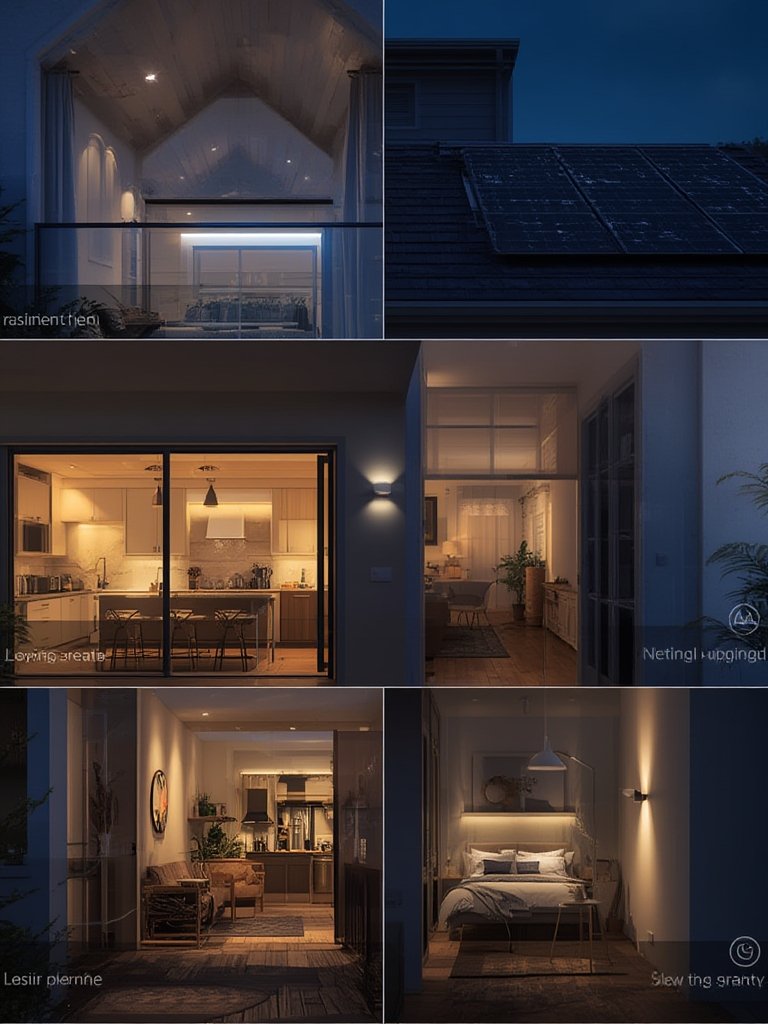
Whether you’re building a new home or retrofitting an apartment, smart home lighting solutions let you personalize, automate, and save energy—without sacrificing style or ease of use. The most successful installs always start with a close look at your real needs, thoughtful attention to compatibility, and a simple pilot test before upgrading everything. Ready to boost your comfort and cut your bills? Start your journey with smart home lighting solutions today—and check out our other expert guides to take your lighting to the next level.
FAQs
Which is better: wired or wireless smart lighting?
Wired systems are more reliable and best for new construction or major remodels. Wireless options are easier to install, flexible for rentals, and ideal for quick upgrades. Most homeowners mix both for optimal results.
How do I ensure my smart bulbs work with Alexa or HomeKit?
Always check the packaging for official “Works with Alexa” or “Apple HomeKit” badges. If you want future-proofing, look for products supporting Matter—the new smart home protocol.
What security risks are there with smart lighting?
The main risks are from skipping firmware updates or using unsecured Wi-Fi. Stick with reputable brands, use strong passwords, and enable automatic updates when available.
How much does it cost to install smart home lighting?
Upfront costs vary widely. A single smart bulb can start at $10–$30, while full-system retrofits are much higher, especially if rewiring is needed. Ongoing costs are negligible beyond replacements and optional subscription features.
How can I save energy with smart lighting?
Use automation to turn off lights when not needed, schedule dimming, and favor LED options. See our detailed energy saving light bulbs guide for practical tips.