

Smart light switches are transforming how homeowners control lighting in 2026, letting you cut energy use, automate routines, and modernize your home with a simple upgrade. In this actionable guide, you’ll get realistic strategies, insider selection tips, essential comparison points, and a crystal-clear process to pick and install the best smart switch for your needs and budget—without the hype or confusing jargon.
Key Takeaways
- Smart light switches offer dramatic convenience, smart home integration, and energy savings when paired with LED bulbs.
- Comparing wireless protocols (like ZigBee), app integrations, and compatibility with voice assistants is crucial in the 2026 market.
- No single “best model” fits every budget; real-world considerations like installation needs and feature gaps matter more than brand hype.
- What Are Smart Light Switches and Why Upgrade?
- How to Select and Install a Smart Light Switch in 2026: Step-by-Step
- Realistic Pitfalls, Feature Gaps & What Most Guides Miss
- Conclusion
- FAQ
What Are Smart Light Switches and Why Upgrade?
Smart light switches replace traditional wall switches, letting you wirelessly control your lights using an app, voice assistant, or automation schedule. In 2026, their demand is fueled by the boom in smart homes, a drive toward energy efficiency, and the convenience of managing lights remotely or hands-free.
Between 2025 and 2033, the smart switches market is projected to grow at a 9.3% CAGR, with residential adoption accelerating as IoT and AI become mainstream [source]. Homeowners notice real savings—especially when smart switches are energy efficient light bulbs—cutting energy use by up to 75% compared to traditional setups.
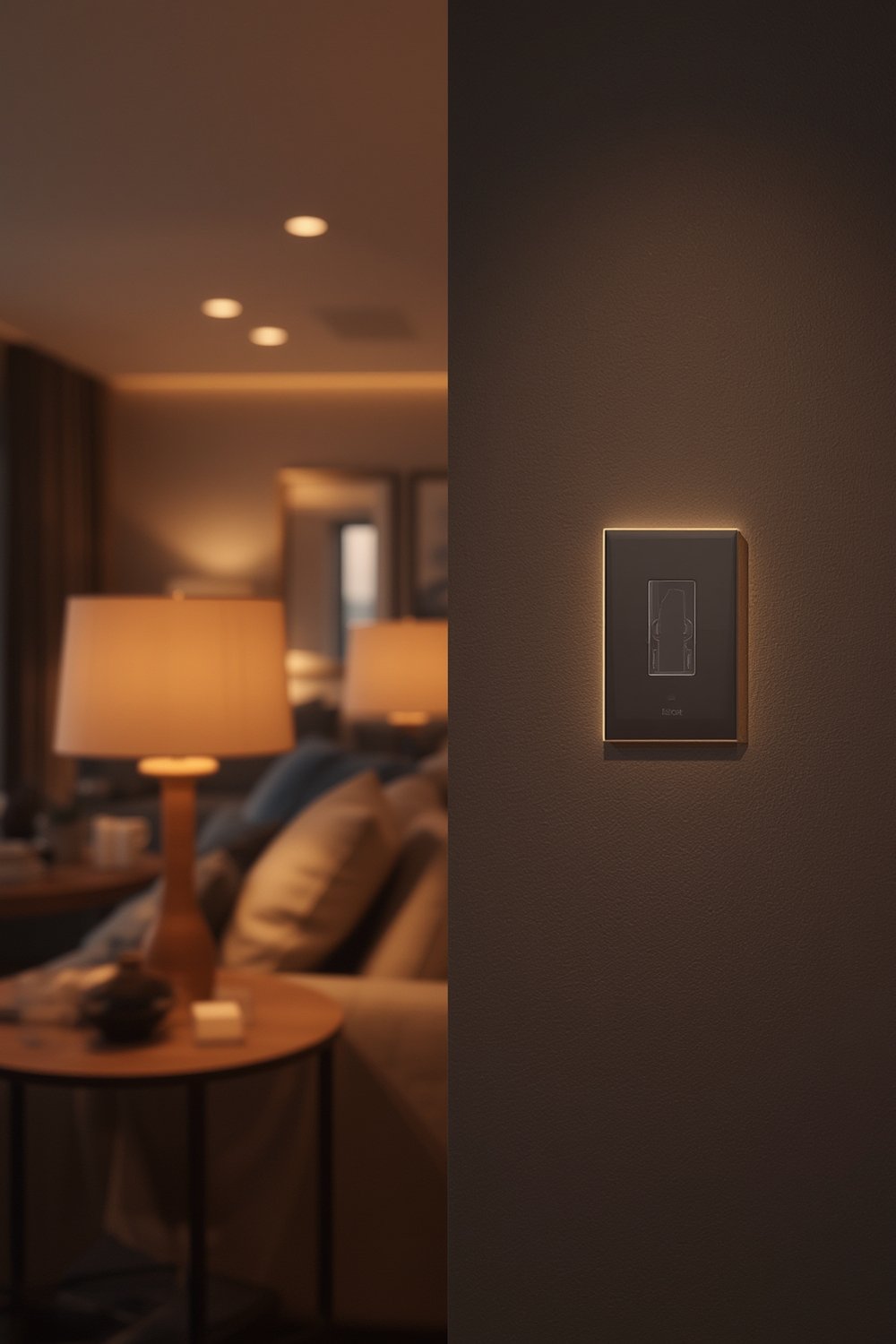
You’ll find smart switches at every price point, but not all models offer the same features or reliability. North America leads with 42% market share, thanks to smart city projects and rapid adoption of LEDs [source]. Choosing the right one can save money, boost comfort, and make your daily routines more efficient.
If you’re curious about how smart switches compare to smart bulbs, see our guide on Smart Light Switch vs. Smart Bulbs: Which Is Right for You?.
How to Select and Install a Smart Light Switch in 2026: Step-by-Step
Here’s a realistic, expert-approved process that works whether your budget is under $25, mid-tier, or you want premium features. Since not all guides address real-world challenges, use this as your essential checklist.
- Assess Wiring Compatibility: Turn off your electrical breaker, remove your old switch cover, and check for a neutral wire (usually white).
- Determine Features You Need: Key specifications for 2026 include:
- Wireless protocol: ZigBee, Wi-Fi, or Z-Wave (ZigBee offers reliability and low latency for smart homes).
- Voice assistant compatibility: Alexa, Google Assistant, or Apple HomeKit.
- Lighting compatibility: Works with energy-saving LEDs and CFLs. For more, learn about energy saving light bulbs.
- App integration: Look for models supporting scheduling, away modes, and automation scenes.
- Match the Switch to Your Ecosystem: If you use Google Home, Alexa, or SmartThings, confirm direct support. Avoid models needing a proprietary hub unless advanced automation is required.
- Check Physical and Network Requirements: Some switches are touchless or wireless, cutting down installation steps, but always make sure they meet electrical safety standards relevant to your country.
- Select by Price & Features:
- Under $25: Basic on/off Wi-Fi switches, often with cloud app control but limited automation.
- $25-$50: Enhanced reliability, dual-protocol, and voice integration.
- Above $50: Premium finish, scene support, advanced sensors, and multi-gang options.
Brands like Legrand, Lutron, Leviton, and GE Lighting are established leaders (market data), but always compare model specs—not just reputation.
- Installation:
- Cut power at the breaker and double-check with a tester.
- Install per instructions (most require just screwdriver work, but wiring may vary).
- Restore power, pair with Wi-Fi or ZigBee, and configure your app.
For a 30-minute walkthrough, see our quick installation guide: How to Install a Smart Light Switch in Under 30 Minutes.
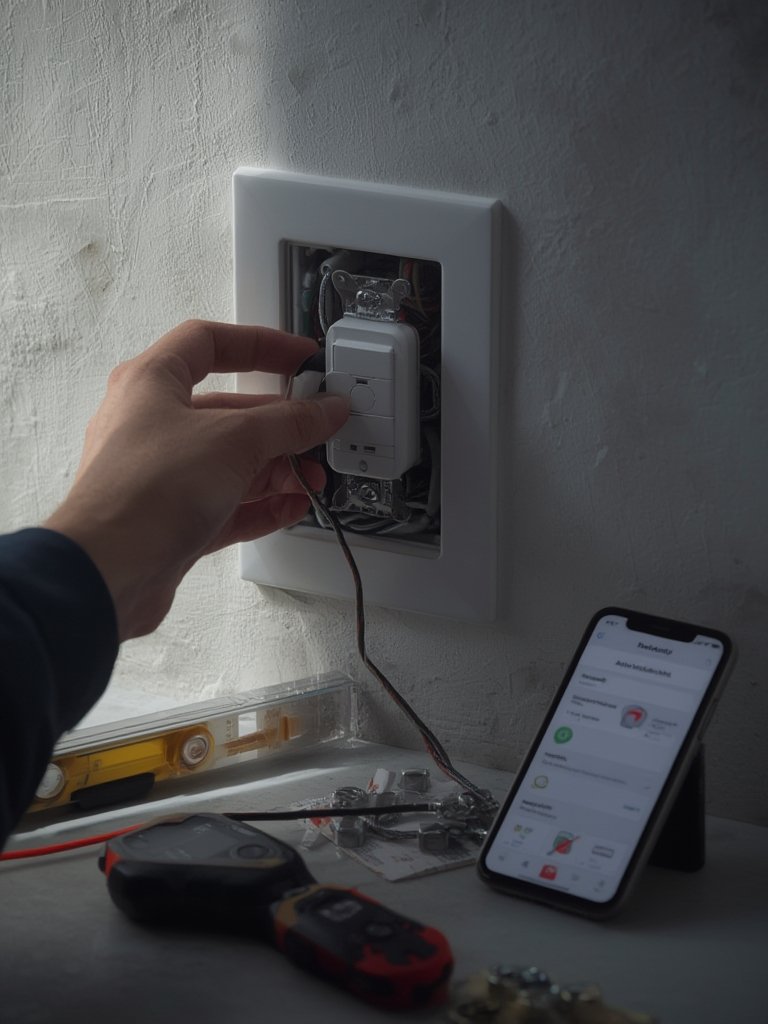
Once installed, experiment with scheduling and automations to boost efficiency and convenience. Consider grouping switches for scenes—like “movie night” or “all off”—for maximum impact.
If you’re looking to optimize your lighting further, read our proven strategies for Lutron Caseta Smart Switch or outfit your home with even more smart home lighting ideas.
Realistic Pitfalls, Feature Gaps & What Most Guides Miss
Buying a smart light switch is easier than ever, but most 2026 “top picks” guides fail to address these real-world issues:
| Challenge | Why It Matters | Actionable Solution |
|---|---|---|
| Lack of Neutral Wire | Many homes (especially pre-2010) don’t have a neutral wire, blocking installation for most smart switches. | Seek without a neutral wire models or use professional installation. Read the specs thoroughly before buying. |
| Protocol Confusion (ZigBee vs Wi-Fi vs Z-Wave) | Not all switches support all ecosystems. Buying the wrong protocol can lead to poor reliability or missed automations. | Match your existing smart hub or platform. ZigBee offers low latency, but may require a hub. Wi-Fi-based switches are easier for beginners. |
| Limited App or Voice Support | Lower-cost switches might support only basic on/off from their own app—no Alexa/Google/HomeKit integration. | Check for official support of your assistant. Pay attention to firmware update policies, as cheaper models may not receive security patches. |
| LED Compatibility Issues | Some smart switches cause LED flicker or buzzing, especially at low dimming levels. | Look for switches certified for LED/CFL compatibility. If dimming, pair only with dimmable bulbs designed for smart control. |
| Unclear Warranty & Support | Budget models often lack robust technical support or long-term warranty. | Favor reputable brands, especially for safety and long-term use. Extended or lifetime warranty is a plus. |
Because the 2026 independent research data did not identify specific user frustrations or highlight best models per budget, your safest approach is to buy based on technical fit with your home, required protocols, and integration needs—not just a “best of” online roundup.
Pairing smart switches with energy-saving home lighting and outdoor smart lights can maximize your ROI.
Conclusion
Smart light switches offer a practical path to a more energy efficient, secure, and comfortable home in 2026. Remember: compare protocols, check your wiring, and match features to your existing smart ecosystem and light bulbs. There is no one-size-fits-all; results come from matching the right device to your home and habits. Smart light switches are a long-term investment—start small, learn what works for your routine, and enjoy the benefits of modern lighting control without regret.
Ready to jump in? Explore our full guides to Smart Home Lighting Systems That Save Energy and Money or get started with lighting upgrades using our floor lamps guide.
FAQ
Do I need a hub for my smart light switch to work?
It depends on the protocol. Wi-Fi models often work without a hub. ZigBee and Z-Wave switches usually require a compatible hub but offer better whole-home reliability and automation potential.
Can I install a smart light switch without a neutral wire?
Most smart switches require a neutral wire, but select models support “no-neutral” installations. Always check the product’s compatibility with your home’s wiring before purchase.
How much energy do smart switches actually save?
When paired with LED bulbs, smart switches can help reduce lighting energy use by up to 75%, especially with features like scheduling and automation. Explore our energy efficient bulbs guide for more tips.
Can I control my smart switch with Alexa or Google Assistant?
Many mid- and high-end smart switches support Alexa and Google Assistant integration, enabling voice controls and smart routines. Always verify support in the product specs.
What’s the easiest way to get started if I’m new to smart lighting?
Start with a single Wi-Fi-enabled switch for a high-traffic area. Follow our step-by-step installation guide and expand as you get comfortable with the app and automations.