

Introduction
If you want to upgrade your home’s lighting, a Smart Light Switch Installation Checklist is essential to avoid common mistakes and wasted time. In 2024, millions of homeowners are switching from standard switches to smart ones, but hidden challenges and overlooked details can turn a quick upgrade into a frustrating project.
Key Takeaways
- Most consumers prefer DIY smart light switch installation, but clear statistics on success rates and true average time are lacking.
- Technical requirements like neutral wires and WiFi compatibility are commonly overlooked, often leading to installation headaches.
- Preparing a well-planned 30-minute checklist improves success and reduces hidden costs compared to generic online guides.
The Core Concept
Smart light switches let you control home lighting using your phone, voice assistants like Alexa and Google Home, or scheduled automation. They require physical installation into your home’s electrical system, replacing old switches with modern, app-controlled alternatives.
Why bother with a smart light switch installation checklist? Because most modern homes support DIY upgrades, but the process is not as plug-and-play as it seems. From needing a neutral wire to ensuring your WiFi is strong at the switch location, skipping the right steps can cost you both time and money.
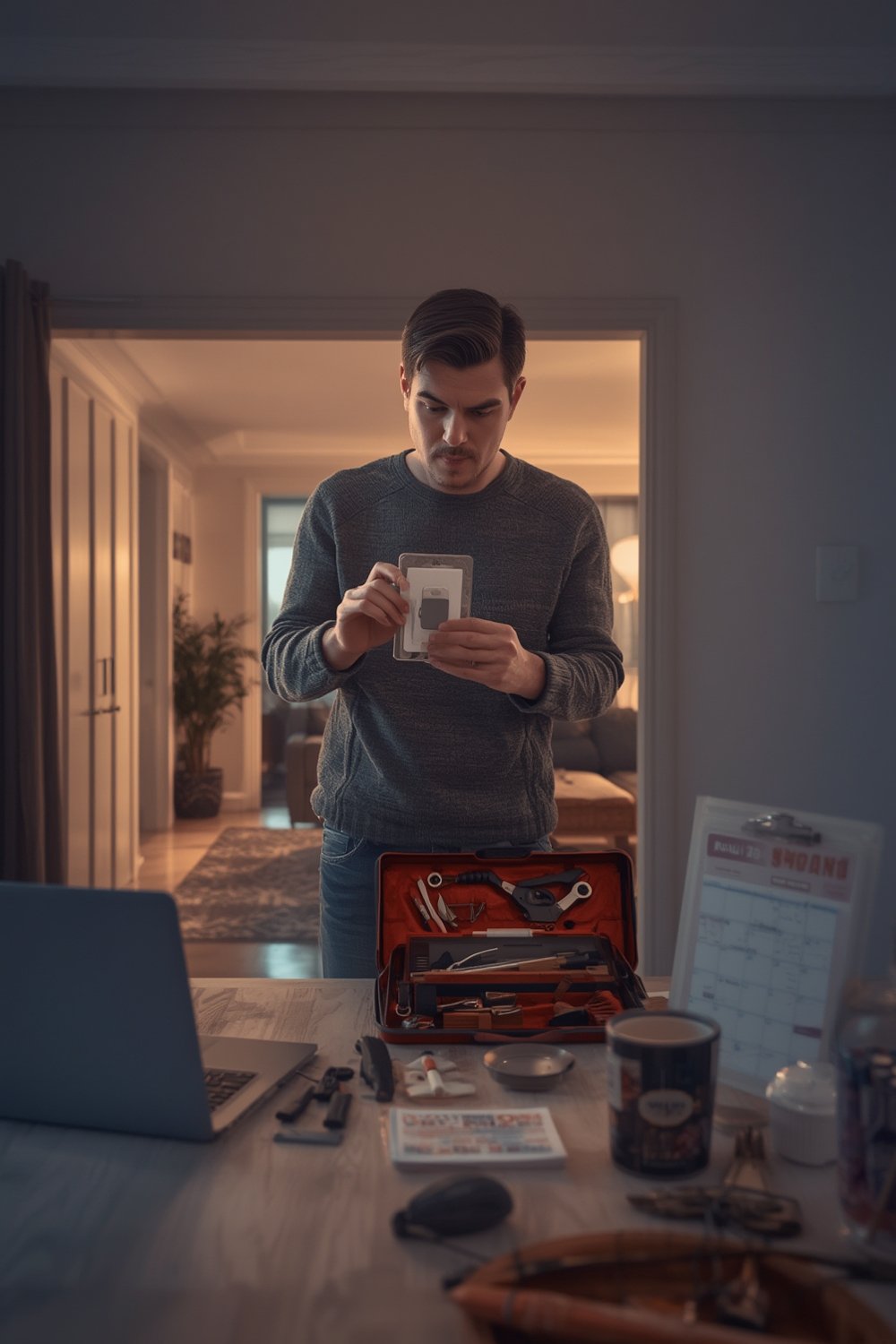
As reported by industry market trends, 60% of residential smart switch sales in 2024 were driven by DIY owners, signaling a clear preference for self-installation. However, the success of these upgrades depends heavily on planning, especially for those with older homes or older wiring.
To get the most out of your new switches and avoid common headaches, an actionable, field-tested checklist is critical—a generic online guide simply won’t cover every scenario.
For other lighting improvements beyond switches, you can explore energy efficient light bulbs and floor lamps that seamlessly pair with smart technology.
Step-by-Step Guide
Below is a practical, detailed 30-minute smart light switch installation checklist. This list goes deeper than the average online tutorial and focuses on real-world snags that can derail your DIY plans. Always turn off power at the breaker before starting any electrical work.
- Gather Tools & Hardware (3 minutes)
- Flathead and Philips screwdrivers
- Voltage tester
- Wire strippers
- Needle-nose pliers
- Electrical tape, wire nuts (usually included, but check!)
- Flashlight or headlamp—you’ll work in the dark
- Power Off & Safety Double Check (1 minute)
- Switch OFF power at the breaker—do not rely on the wall switch alone.
- Test wires with a Voltage tester to confirm zero current.
- Remove Old Switch & Inspect Wiring (5 minutes)
- Take photos of wiring connections first.
- Identify neutral, line (hot), load, and ground wires.
- Look for potential issues (damaged wire, short lengths, debris).
- Check for Neutral Wire and Box Size (2 minutes)
- Most smart switches need a neutral. If you don’t have one, pause now—return the switch or get professional advice.
- Ensure your electrical box is deep enough for the smart switch hardware (some are bulky).
- Install Smart Switch (10 minutes)
- Match and securely tighten all wire connections (include ground and neutral or cap unused wires).
- Follow manufacturer diagrams for multi-way or 3-way switches.
- Neatly fit everything into the box—do not force or bend wires sharply.
- Reattach Cover Plate and Restore Power (2 minutes)
- Screw the switch and cover plate into place.
- Turn the breaker back on and test for basic ON/OFF operation.
- Connect to WiFi or Hub (4 minutes)
- Install the relevant app and follow pairing instructions—a strong WiFi signal at the switch location is essential.
- Connect with Alexa, Google Home, or another hub if desired (Smart Light Switch vs. Smart Bulbs explains your integration options).
- Test Automation and Voice Control (2 minutes)
- Test timing routines or voice commands. If the switch becomes unresponsive, check WiFi reception using your phone at that spot.
- Tidy Up and Record Changes (1 minute)
- Label the app or home map for future reference.
- Store photos and notes of your connections for any future issues.
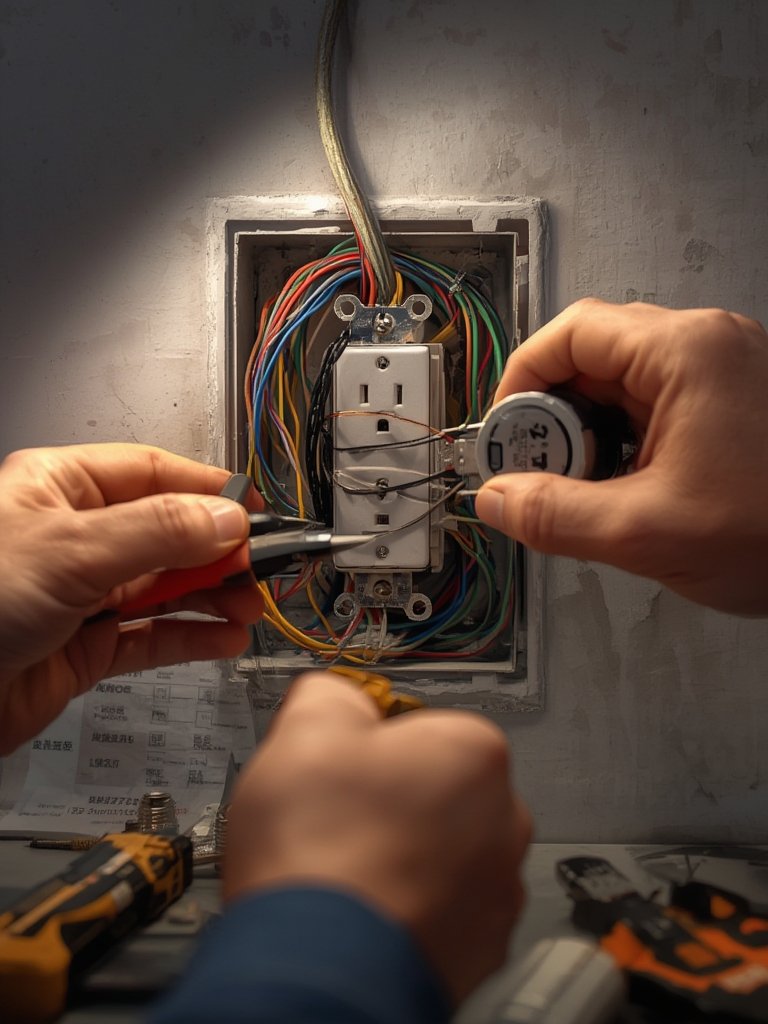
This checklist distills best practices often buried or omitted in other guides and shortlists. It covers everything from tool selection and wiring photography to hidden compatibility issues, so you spend less time troubleshooting and more time enjoying your investment.
Save energy and upgrade the rest of your lighting by checking out energy saving light bulbs and explore the best kitchen island light fixtures for a modern, cohesive look.
Advanced Analysis & Common Pitfalls
Despite the “easy” DIY promise, real-world installation of smart light switches often exposes hidden problems. Here’s what actual homeowners and research trends reveal:
| Common Pitfall | Why It Happens | Prevention/Remedy |
|---|---|---|
| No Neutral Wire | Older homes often omit neutral in switch boxes—most smart models require it | Confirm wiring before purchase or pick a no-neutral compatible switch |
| Weak WiFi Signal | Far-flung switches may be out of range; metal boxes can reduce signal further | Test signal strength before install; consider WiFi boosters if needed |
| Box Too Shallow | Smart switches are deeper and may not fit into standard boxes | Measure box depth before purchase or switch to smaller model |
| Improper Wire Connections | Loose, cross-threaded, or untightened wire nuts cause malfunction or fire risk | Double-check every nut; tug wires gently to confirm security |
| App Pairing Issues | Incorrect WiFi band (many switches need 2.4GHz), unclear reset sequence, buggy apps | Check your WiFi network; follow manufacturer reset steps precisely |
| Hidden Costs | Additional tools, adapters, electrician visit needed if DIY fails | Budget for incidentals; read switch fine print before starting |
Some smart light switches offer extra features like dimming and scene control, but may require compatible bulbs or additional setup. For multi-way switches or more complex systems, even experienced DIYers often get tripped up by wiring logic or app connectivity issues (see installation market report).
Comparison reviews of brands like Leviton, Lutron, SONOFF, Enbrighten, and MOES note that while user-friendly installation is emphasized, details such as app reliability, WiFi signal strength, and true fit in wall boxes often vary and remain underreported by top guides (read more about brands here).
For those wanting to go deeper, The Ultimate Guide to Smart Home Lighting for Beginners gives a complete picture of smart home upgrades, while specialized content on step lighting and LED signage can round out your home’s smart lighting system.
Conclusion
Installing a smart switch can be a quick and valuable upgrade, but skipping a detailed Smart Light Switch Installation Checklist increases your risk of delays, failed connections, and unexpected costs. For the smoothest results, follow a proven, field-tested process—don’t just trust marketing claims or brief tutorials.
Ready for a smarter, more connected home? Start with the checklist above, troubleshoot thoughtfully, and consider upgrading your whole lighting ecosystem for maximum comfort and savings. Check out more lighting transformations and solutions throughout our site.
FAQ
Do I need a neutral wire for every smart light switch?
Most smart switches require a neutral wire. Some models are designed for no-neutral installations but may have feature limitations or compatibility issues. Always check before purchase and inspect your wiring before starting.
What’s the average installation time for a smart light switch?
While manufacturers often quote “under 20 minutes,” in reality, 30 minutes is more realistic for a first-time, complication-free install—assuming all tools and correct wiring are available.
What should I do if my switch won’t connect to WiFi?
First, check if your switch and phone are on the same 2.4GHz band (some don’t support 5GHz). Move closer to your router or install a signal booster. Reset the switch and app as advised by the manufacturer.
How can I minimize hidden costs in my DIY install?
Prepare all required tools and parts in advance, verify wiring compatibility, and read manufacturer instructions closely. Budget extra for tools, wire nuts, or a possible electrician call if things get complicated.
Are smart light switches better than smart bulbs?
It depends. Switches allow full fixture control with your original bulbs but require installation. Bulbs are easier to install but may not work with older fixtures. For an in-depth comparison, see our guide on Smart Light Switch vs. Smart Bulbs.