

Best Smart Lights From Amazon That Work With Any Smart Home System are rapidly changing how we control lighting at home, making everyday routines easier, more efficient, and even a bit fun. Whether you’re already running Alexa, Google Home, or Apple HomeKit, picking the right smart lights from Amazon can be confusing if you want seamless compatibility and long-term convenience.
Key Takeaways
- Global smart lighting is booming, but choosing the best smart lights from Amazon that work with any smart home system depends on compatibility, features, and installation ease.
- Wireless smart lights offer simple setup but may face connectivity hiccups, while wired options provide more stability for larger homes.
- Energy efficiency, system integration, and future scalability should guide your purchase. Always check real-world pitfalls before you buy.
- What Are Smart Lights and Why Buy Them?
- How to Select and Set Up the Best Amazon Smart Lights
- Advanced Analysis & Common Pitfalls
- Conclusion
- Frequently Asked Questions
What Are Smart Lights and Why Buy Them?
Smart lights are LED-based lighting devices that connect wirelessly or via wired connections to your home network. They allow you to control lighting through apps, voice assistants like Alexa, Google Assistant, or Apple HomeKit, and automate routines (like waking up gently or securing the house when away). The point? Save energy, gain convenience, set the perfect mood, and future-proof your home.
The smart lighting market is experiencing explosive growth. Market research estimates the global market was between $15.7 and $27.3 billion in 2024, growing at over 14%–22% CAGR toward 2030 and beyond (Precedence Research, GMI Insights). Still, growth alone doesn’t guarantee a good fit for every home. The real challenge is finding lights that integrate seamlessly, offer high energy savings, and don’t frustrate you with connection dropouts or compatibility snags.
Top concerns often include whether your chosen lights work easily with your existing smart system, installation complexity, long-term reliability, and whether you’ll really save money versus traditional energy efficient light bulbs. This guide makes sense of these practical factors so you can avoid common mistakes and buy smart.
How to Select and Set Up the Best Amazon Smart Lights
Selecting the best smart lights from Amazon for your home comes down to honest assessment of needs, a bit of research, and a structured checklist. Here’s a practical guide—no fluff, just what you need.
- Define Your Desired Functions:
- Do you want simple on/off, dimming, or advanced features like remote scheduling, motion sensing, or color tuning?
- If you care about mood or accent lighting, smart LED strip lights might be the way to go.
- Check Compatibility:
- Read the product description closely for Alexa, Google Home, and HomeKit support. Not all “smart” lights play well with every system.
- Look for the Matter logo—products like the Energetic Lighting Matter-Compatible Bulb (sold on Amazon since April 2024) are designed specifically for this.
- Scan the most recent Amazon reviews for keywords like “easy to set up,” “works with Alexa,” or “integration with HomeKit.”
- Decide Wired vs. Wireless:
- Wireless smart bulbs are best for renters or small spaces—they install quickly and work via WiFi or Bluetooth.
- Wired solutions (like Lutron Caseta smart switches) offer greater stability and scale for large setups but need professional installation. See our Lutron Caseta Smart Switch guide.
- Plan for Power and Placement:
- Verify bulb bases match your current fixtures (E26, GU10, etc.).
- Check if you need a separate hub or gateway for connectivity. Some systems (like Philips Hue) use Zigbee and require this step.
- Compare Features and Price Ranges:
- Entry-level smart bulbs on Amazon start around $10–$20; high-end color-changing kits or feature-rich panels can exceed $100.
- Consider long-term savings by cross-referencing options with our energy saving light bulbs comparison.
- Follow an Installation Checklist:
- Read the manufacturer instructions before installation.
- Set up the required app and connect your hub, if necessary.
- Pair each light, label them in the app, and assign them to rooms.
- Test basic functions—on/off, dim, colors, scheduling.
- See our checklist for smart lighting installs for more detailed steps.
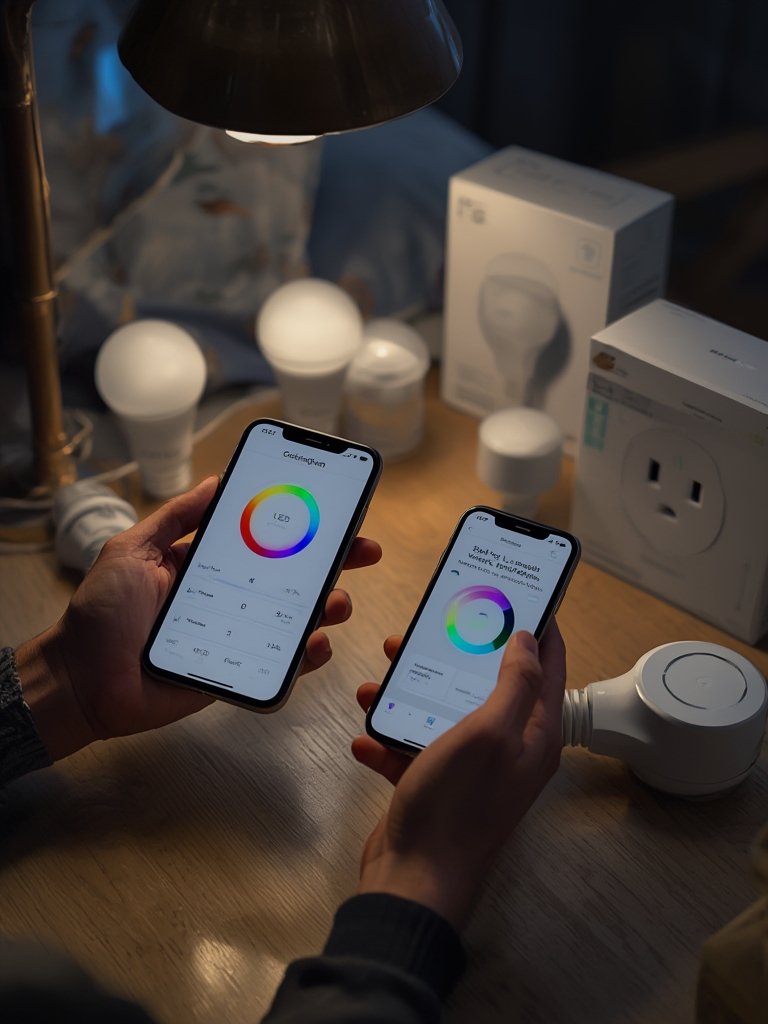
Once installed, use your system’s mobile or voice interface to set routines, automate sunset and sunrise triggers, and refine scenes for movie night, reading, or bedtime. For advanced tips, check out our guide to smart home lighting automation.
Integrate with other smart home elements like floor lamps or kitchen island light fixtures for whole-home coordination. Don’t ignore the impact on your sleep—see our sleep friendly light bulbs tips.
Advanced Analysis & Common Pitfalls
While the promise of the best smart lights from Amazon that work with any smart home system is exciting, the reality can bring unexpected frustrations and costs. Here are some of the toughest pitfalls and what you can do to avoid them.
| Feature/Issue | Wired Smart Lighting | Wireless Smart Lighting |
|---|---|---|
| Installation Complexity | Requires professional install; disruptive for existing homes | User-friendly; fits standard sockets; plug-and-play |
| Long-Term Stability | Extremely reliable; low risk of dropouts | Can suffer from WiFi interference and random disconnects |
| Initial Cost | Higher upfront—wiring, switches, hubs | Low entry cost; can add rooms gradually |
| Flexibility | Great for whole-house automation | Best for renters and beginners |
| Compatibility | Depends on system (e.g., Lutron works with most) | Must check each bulb for Alexa, Google, HomeKit, Matter |
| Smart Home Integration | Good, but requires central hubs | App, direct voice, or hub, sometimes all three |
- Device Compatibility Headaches: Many buyers discover too late that some bulbs don’t work with their preferred system or lose compatibility after app updates. Always research and buy bulbs with robust support and major firmware updates.
- Connectivity Issues: WiFi bulbs can disconnect during router resets, leading to frustration. Wireless mesh networks or smart home hubs can reduce this—but may add cost.
- Energy Efficiency Gaps: Not every smart bulb is truly energy-saving compared to leading energy efficient light bulbs. Check ENERGY STAR or equivalent certifications and wattage claims.
- Feature Overload: Sometimes the “smartest” bulbs have sluggish apps, confusing menus, or require you to create accounts you never wanted. If you value simplicity, go for brands with a reputation for intuitive app experiences. For more on easy lighting upgrades, the Govee Outdoor LED Lights guide covers robust outdoor solutions.
- Security Risks: Improperly secured IoT devices are a gateway for privacy breaches. Always update firmware and restrict app permissions. Wired solutions are less vulnerable to these risks.

Take time to compare specs and avoid the “set and forget” trap. If you find yourself stuck between a switch and bulb, see our detailed comparison of smart switches vs. bulbs.
For more about smart lighting market trends, see this market research overview.
Conclusion
Getting the best smart lights from Amazon that work with any smart home system is all about matching today’s features with tomorrow’s plans—ensuring you have compatibility, integration, and reliability as your needs change. Remember to check compatibility details, anticipate real-world troubleshooting, and opt for Matter support when possible. Ready to upgrade? Start by assessing your current setup, then choose energy-smart options with easy integration. A smart lighting transformation begins with the right first step—shop cautiously, install patiently, and enjoy a brighter, more convenient home.
Take the next step and browse Amazon’s top-rated smart lighting—future you (and your electric bill) will thank you. If you want to dig deeper into budget options, check out our guide to smart outdoor lights under $50.
Frequently Asked Questions
Do all Amazon smart lights work with Alexa, Google, and Apple HomeKit?
No. Always check the product compatibility—all-in-one compatibility is more common with Matter-certified lights, but not guaranteed with every product.
Is it difficult to install smart lights yourself?
Wireless bulbs are usually plug-and-play, but some systems (especially wired or panel solutions) can require wiring or professional assistance. Follow the app and manufacturer’s step-by-step instructions.
Are smart lights really more energy efficient than regular LED bulbs?
Many are, but you must check for energy certifications and low standby power. Some smart bulbs use extra energy for their connectivity hardware. For guaranteed savings, see our energy saving light bulbs guide.
Will the smart lights keep working if I change my WiFi router?
That depends on the system. Most require a reset and re-pairing with the new network. Lights using a dedicated hub (like Philips Hue) are less affected by router swaps.
What are the most common user complaints with smart lights from Amazon?
The biggest issues are usually unreliable connections, confusing apps, and incompatible features. Reading verified buyer reviews before purchase helps avoid these surprises.