

### Blog Post:
Amazon smart lights have become a top choice for homeowners seeking convenience, connectivity, and smart energy savings in 2024. Whether you’re upgrading your home lighting or tackling your first smart home project, understanding current trends, pitfalls, and real costs is essential—especially as the global smart lighting market continues to skyrocket.
Key Takeaways
- Amazon smart lights are surging in adoption, powered by easy setup and falling prices.
- Common user frustrations include installation complexity and unclear integration options.
- Smart lighting prices on Amazon are competitive, but hidden fees or requirements may still catch buyers off guard.
- What Are Amazon Smart Lights and Why Are They Booming?
- How to Choose and Set Up Amazon Smart Lights (Step-by-Step Guide)
- Common Pitfalls, Real Costs, and Advanced Analysis
- Conclusion
- Frequently Asked Questions
What Are Amazon Smart Lights and Why Are They Booming?
Amazon smart lights are WiFi-enabled or Bluetooth-connected bulbs and fixtures that allow you to control your home lighting remotely, automate schedules, and sync with other smart home systems. Devices like the Govee Smart Outdoor String Lights H7021, which recently sold 3,336 units in one month, reflect the explosive demand for plug-and-play, voice-controllable lighting on Amazon in 2024.
The core value of Amazon smart lighting is simple—maximum control, minimal friction. Modern solutions work directly with voice assistants (Alexa, Google Assistant), eliminating the need for a separate hub in many cases. This removes barriers for first-timers and drives rapid adoption. In fact, the global smart lighting market has now reached USD 15.7 billion in 2024, with active smart lighting households projected to hit 714.4 million by 2029 (source).
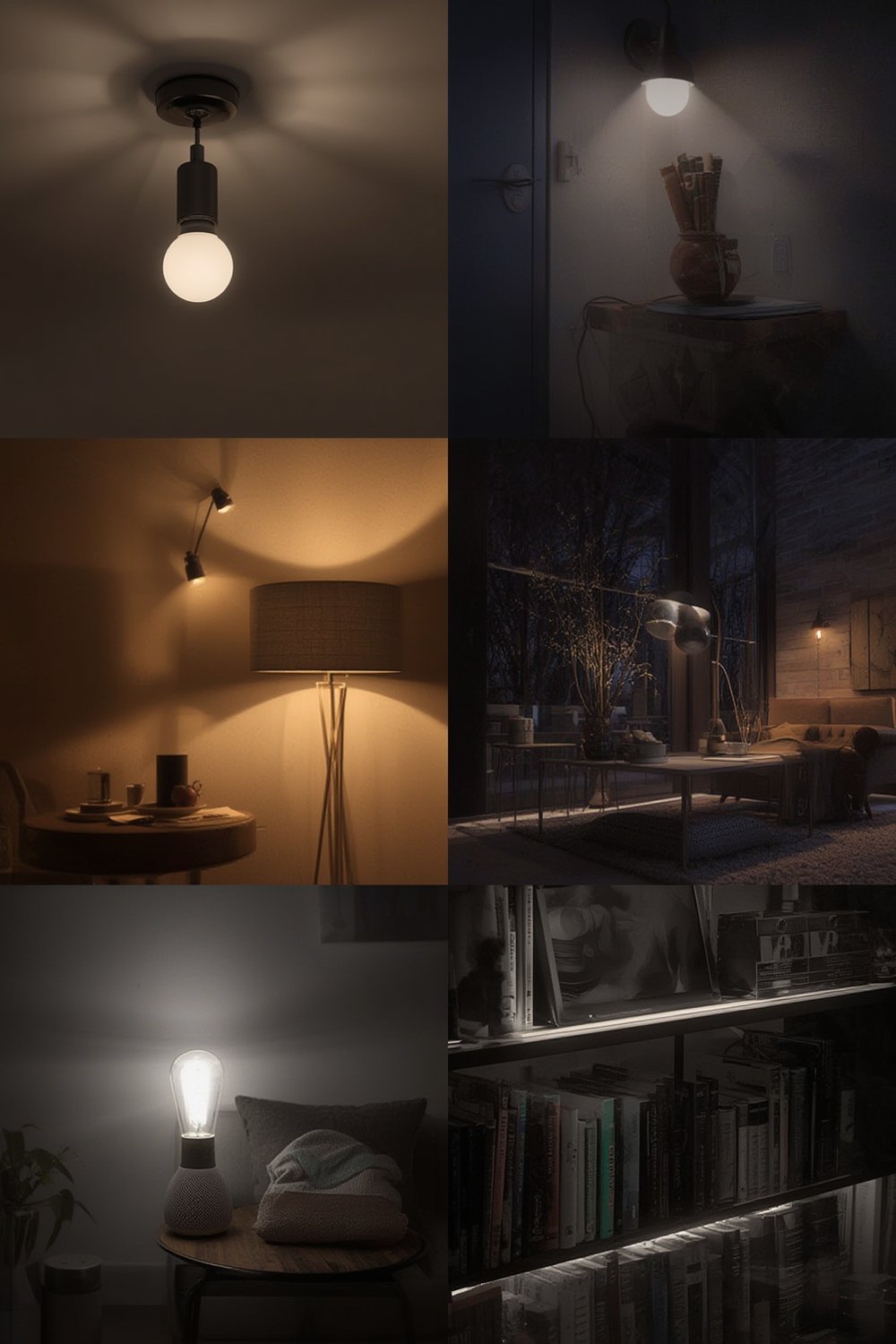
Households love Amazon smart lights for their energy savings, scene customization, and ability to seamlessly integrate with routines. But success isn’t guaranteed. Choosing models that actually fit your system and expectations is critical.
For more ways to maximize energy efficiency, see our Energy Efficient Light Bulbs guide.
How to Choose and Set Up Amazon Smart Lights (Step-by-Step Guide)
-
Define Your Goals and Placement
Do you want color-changing bulbs in the living room, outdoor string lights for ambiance, or smart controls for every lamp? Map your lighting needs room by room.
-
Check Compatibility
Confirm your preferred smart lighting works with your home’s setup. Many popular Amazon smart lights are WiFi powered, but some may require a hub or support for protocols like Matter. If using Alexa or Google Home, ensure explicit compatibility is listed.
-
Choose Your Products
Top choices in 2024 include:
- Govee Smart Outdoor String Lights H7021 – $68.71 [source]
- Hub-less smart bulbs (look for WiFi or Bluetooth connectivity)
- Matter-compatible bulbs or devices to maximize future-proofing
For weatherproof outdoor options, review our Find the Best Smart Outdoor Lights for Security and Curb Appeal guide.
-
Download the Manufacturer App
For brands like Govee or Philips Hue, download the required app to your smartphone. Many Amazon smart lights also integrate directly via the Alexa or Google Home apps. Follow guided setup instructions.
-
Integrate with Voice Assistants
Open Alexa or Google Home, search for the device, and link your new lights. For advanced routines, create custom scenes and schedules for maximum convenience.
-
Test and Troubleshoot
Test each bulb or fixture. If a device doesn’t respond, reset it and check your WiFi and app permissions. Placement closer to your WiFi router can solve many initial connectivity glitches.
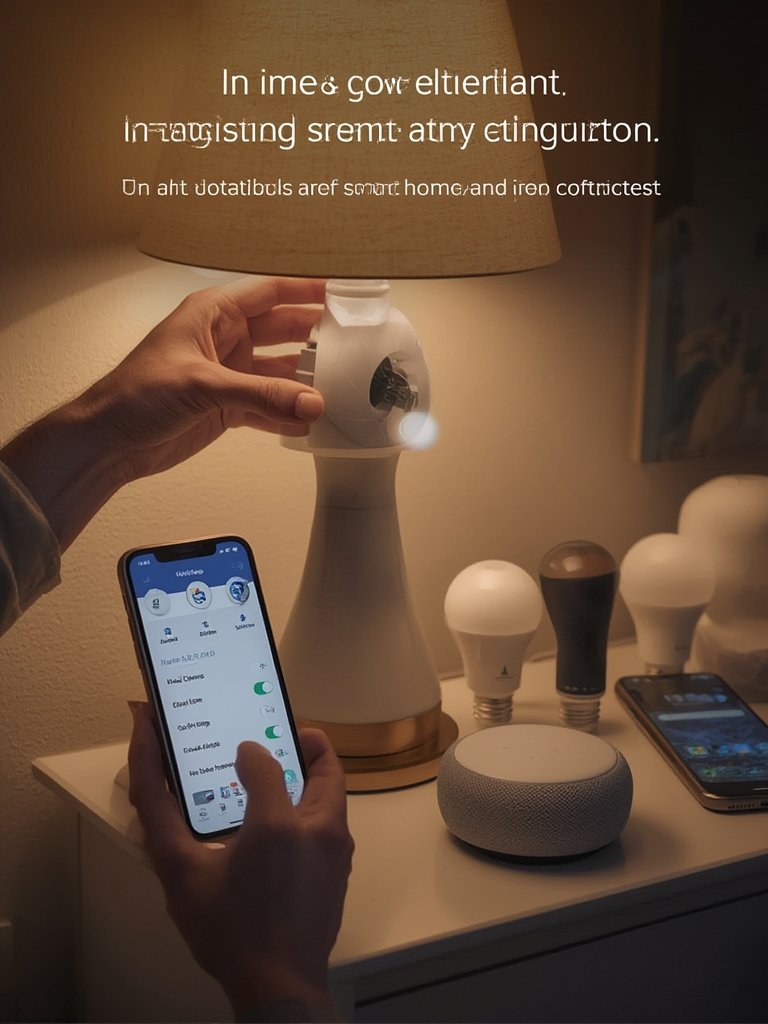
If you’re focused on specific lighting areas, upgrade your kitchen island with expert picks from our Kitchen Island Light Fixtures resource, or explore touch automation with a Lutron Caseta Smart Switch.
And if you want a basic primer on smart home lighting, check out The Ultimate Guide to Smart Home Lighting for Beginners.
Common Pitfalls, Real Costs, and Advanced Analysis
Not every Amazon smart light experience is smooth. Here’s what can trip you up—even with top-selling products.
| Issue | 2024 Reality | Actionable Tip |
|---|---|---|
| Installation Complexity | 30% of buyers in recent surveys found smart bulb installs moderately to nearly impossible. Setup, app confusion, and WiFi issues persist. [source] | Follow manufacturer step-by-step instructions, and review YouTube walkthroughs for your device model. |
| Returns & Satisfaction | 1 in 4 buyers have returned a smart bulb in the last two years. User dissatisfaction often traces back to unclear compatibility, unreliable connections, or poor brightness. | Test each bulb immediately and return promptly if it fails to perform. Read recent Amazon reviews, not just star ratings. |
| Hidden Costs & Subscriptions | Amazon listing prices are straightforward (e.g. Govee String Lights at $68.71), but beware of bulbs that require a separate hub—or subscriptions for advanced cloud control features. | Confirm if a hub or premium app fee is needed before checkout. Most hub-less WiFi bulbs avoid this entirely. |
| Integration Roadblocks | Matter is emerging as a crucial standard but isn’t universal yet. Alexa and Google Home support is common, but Apple HomeKit or future smart platforms may not work with all Amazon smart lights. | If future-proofing matters, verify current and planned compatibility—or stick with well-reviewed Matter-compliant picks. |
Across Amazon’s top-selling smart lighting, the winners focus on simplicity. Hub-less WiFi and direct app-based controls are driving the sharpest growth and lowest prices, as confirmed by industry reports and developer integration guides. Still, returns and negative reviews prove there’s no such thing as plug-and-play for everyone.
For more energy saving options—including traditional and LED bulbs—read our Energy Saving Light Bulbs post.
Conclusion
The explosive growth of Amazon smart lights is no accident. Falling prices, increasing interoperability, and voice assistant integration have made smart lighting one of 2024’s easiest—and most rewarding—home upgrades. Just beware of pitfalls like complicated installations and unclear compatibility. By following proven strategies and checking for Matter support, you’ll be ready for a seamless lighting upgrade.
Ready to get started? Explore the best-rated Amazon smart lights today, compare real-world reviews, and transform your space with the controls and customization you’ve always wanted. Your smarter, brighter home awaits—get your Amazon smart lights set up now.
Frequently Asked Questions
Do Amazon smart lights increase my energy bill?
Most Amazon smart lights use energy efficient LED technology, often resulting in lower electricity use compared to traditional bulbs. Check the product’s wattage for details. For more, see our energy efficiency guide.
What is Matter compatibility and why does it matter?
Matter is a new universal smart home standard that ensures your lights work across different platforms (Alexa, Google Home, Apple HomeKit). Choosing Matter-compatible smart lights protects your investment if you switch ecosystems in the future.
Can I install Amazon smart lights without professional help?
Yes, most are designed for easy DIY installation. However, some users still struggle with WiFi setup or syncing to smart home hubs. Check the instructions and review brand-specific setup videos if you feel stuck.
Are there hidden costs or subscription fees with Amazon smart lights?
Some advanced features or cloud-controlled access may require premium app subscriptions, but most standard functions are free. Always review the product listing for hub requirements and any recurring costs.
What happens if my WiFi goes out?
If you lose WiFi, remote control via phone or assistant won’t work, but most bulbs still function as regular lights. Check for products with local control or Bluetooth fallback for added reliability.