

Smart lights compatible with Alexa are quickly becoming a staple in modern smart homes, letting you control your home’s lighting with your voice or phone. But beneath the buzz, how do adoption rates, ease of use, cost, and real-world issues really stack up? This guide clears the fog—offering hard numbers, actionable steps, and a clear-eyed take on what actually works (and what can go wrong) with Alexa-compatible smart lighting in 2024.
Key Takeaways
- Alexa-compatible smart lights are driving the growth of smart home lighting, but wireless integration and real energy savings rely on key hardware and platform choices.
- Setup is straightforward, but pitfalls like network issues, compatibility confusion, and potential hidden costs can derail your upgrade if you’re not prepared.
- Top brands like Signify, Acuity Brands, and Samsung dominate in efficiency and features, but practical tips and lesser-known strategies can unlock much smoother operation.
- What Are Smart Lights Compatible With Alexa? (And Why They Matter In 2024)
- Step-By-Step Guide: Setting Up Alexa-Compatible Smart Lights
- Advanced Analysis & Common Pitfalls
- Conclusion: Alexa-Compatible Smart Lights in 2024
- Frequently Asked Questions (FAQ)
What Are Smart Lights Compatible With Alexa? (And Why They Matter In 2024)
Smart lights compatible with Alexa are LED bulbs, fixtures, or lighting systems that you control through Amazon Alexa devices using voice commands, routines, or the Alexa app. Their popularity is soaring: as of 2024, global smart lighting revenue hit between $18.33 and $27.33 billion, with Alexa integration cited as a core driver of wireless lighting adoption.[1]
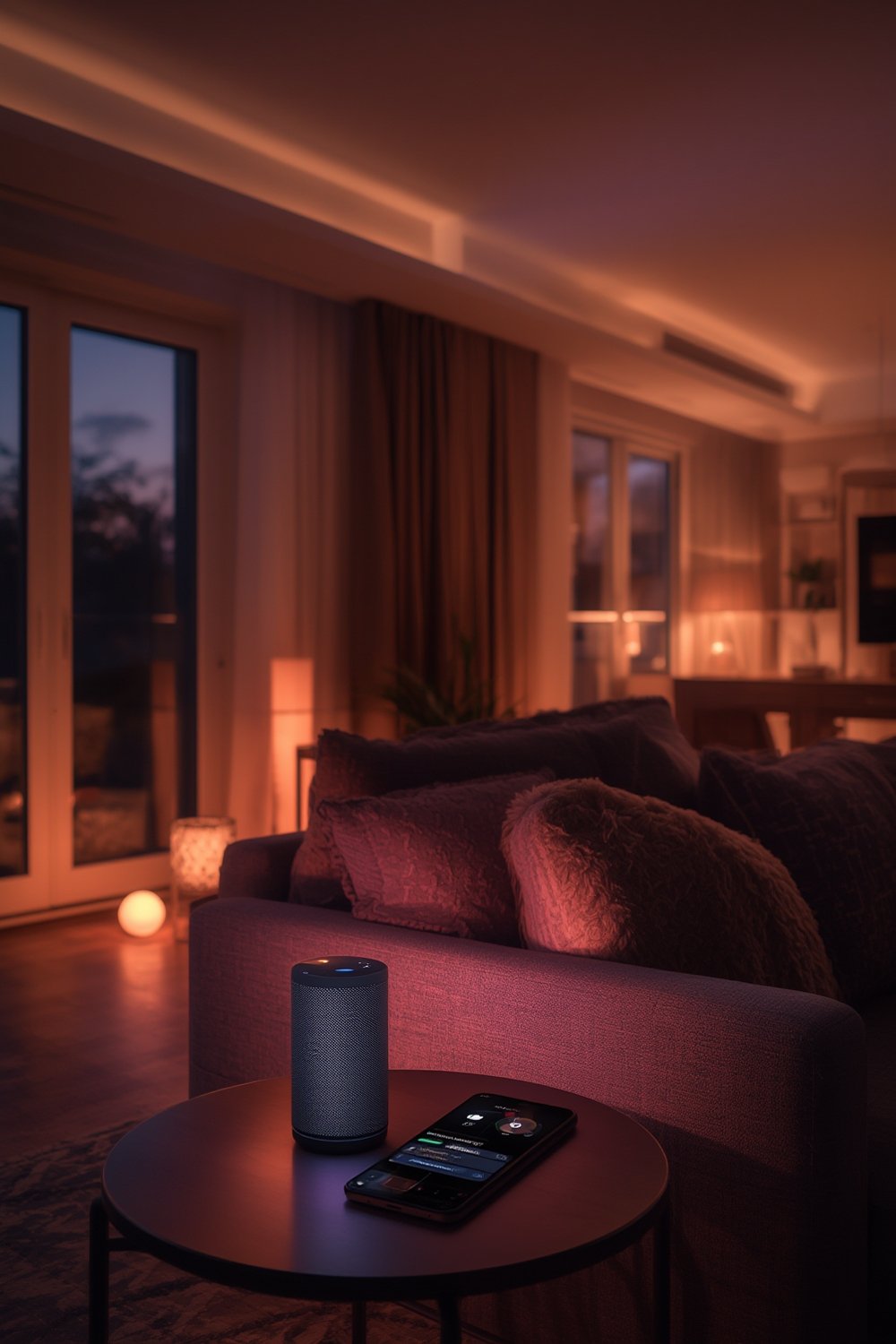
The connection between Alexa and smart lights is more than a convenience. Up to 61% of US households own smart speakers as of 2024, with Alexa responsible for 37.1% of that market—putting voice-activated lighting nearly within reach for millions.[2] Using Alexa with your lights means hands-free control, energy-saving automations, and routines that adapt lighting to your schedule. But successful integration requires compatible hardware, reliable connectivity, and (sometimes) a dose of troubleshooting.
Smart lighting isn’t just for tech enthusiasts. Mainstream brands like Signify, Acuity Brands, Samsung, and Xiaomi offer robust products that balance energy savings, easy setup, and feature-rich control. The Alexa ecosystem amplifies these gains through automation, grouping, and routine features—if you know how to use them effectively.
Step-By-Step Guide: Setting Up Alexa-Compatible Smart Lights
Getting smart lighting up and running with Alexa is easier than ever, but certain steps—and pro strategies—can make a world of difference. Follow this concise, no-nonsense checklist.
- Unbox and Install the Lights: Replace your current bulbs or fixtures with Alexa-compatible versions. Make sure your power is off when swapping hardware. If you’re switching to energy saving light bulbs, check wattage and fitting.
- Download the Manufacturer’s App: Brand-specific apps (like Philips Hue, TP-Link Kasa, or Govee) walk you through initial pairing. Connect bulbs to your Wi-Fi network using the app’s guided setup.
- Connect with Alexa: In the Alexa app, tap “Devices”, then “+” and “Add Device.” Choose “Light” and select the brand. Enable the manufacturer’s Alexa skill if prompted (you may need to log in with credentials). Complete device discovery—Alexa should find and display the new lights.
- Organize into Groups: In the Alexa app, group bulbs by room or use case (“Living Room,” “Bedroom,” or “Movie Time”) to control multiple lights with a single command.
- Create Routines and Automations: Automate your lighting schedule (e.g., “turn on at sunset,” “dim at 10 PM,” or “sync with alarm clock”) using Alexa routines in the app.
- Troubleshoot Connectivity and Naming: If a bulb doesn’t respond, check your Wi-Fi connection, reseat the bulb, or reset via the manufacturer’s app. Use clear names (“Dining Light” instead of “Bulb 3”) for easier voice commands.
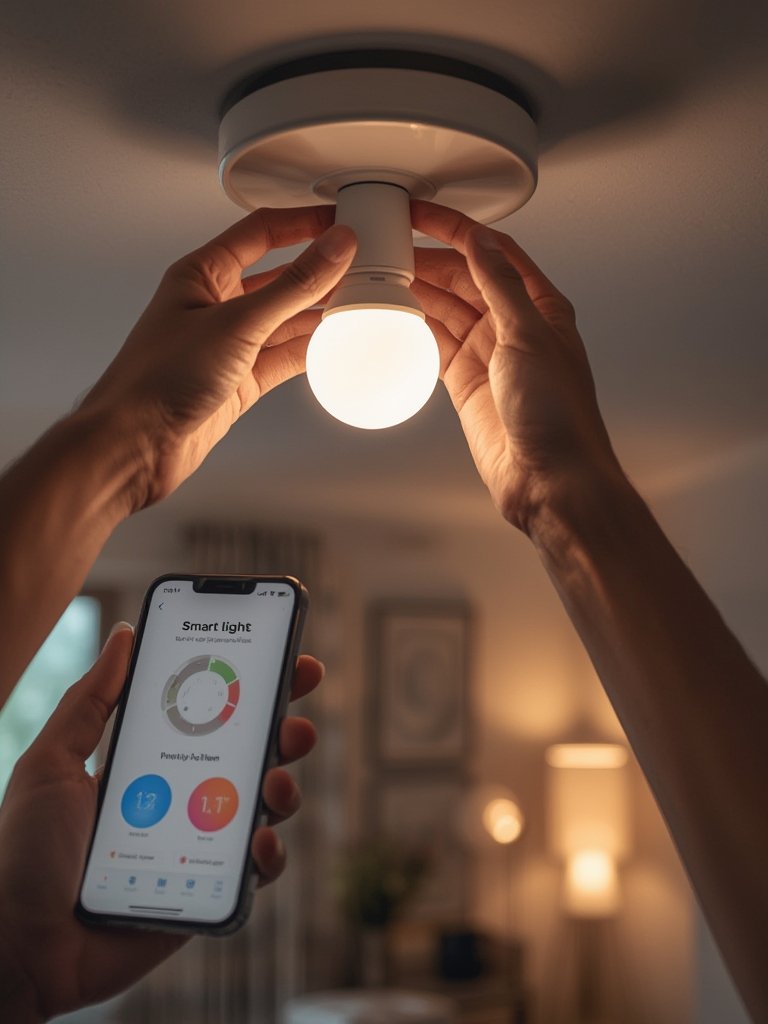
Many modern smart lighting products work seamlessly with Alexa, but advanced features might require software updates, specific Wi-Fi settings, or even a compatible smart home hub in some systems. For best results, stick to major brands or reference guides like Smart Lights Compatible With Alexa: Top Picks for Seamless Control to ensure the smoothest experience.
You can take your lighting further by integrating scene lighting, voice routines, or connecting with other smart home systems. For unique installations, explore options in outdoor LED lights, living room floor lamps, or stair lighting for safety.
Advanced Analysis & Common Pitfalls
Adopting Alexa-compatible smart lights can make daily life easier, but there are still technical requirements and hidden headaches. Here’s what the research and market leaders reveal:
| Category | Details & Requirements | Potential Issues |
|---|---|---|
| Connectivity | Wireless: 2.4GHz Wi-Fi preferred; some require Zigbee or Bluetooth (via a hub like Echo Show 10 or the brand’s bridge) | 5GHz Wi-Fi can cause pairing failures. Wired lights still dominate in many regions, limiting options. |
| Brand Support | Major players: Signify, Acuity Brands, Samsung, Xiaomi. Many support direct Alexa integration; some need “skills” enabled. | Fragmented support—niche or budget brands may lag on updates or lose Alexa compatibility after firmware changes. |
| Core Features | On/off, dimming, scheduling, color change, voice controls, group routines. | Some advanced features require manufacturer’s app or ongoing cloud subscriptions. Not all support color or advanced scenes. |
| Costs & Fees | Entry-level bulbs: $10–$25 each, with multi-packs offering better value. Brands like Signify increasingly bundle lights and cloud controls into subscription models. | Potential for hidden costs if cloud or advanced AI features are required. Subscription fatigue can happen over time. |
| Energy Savings | LED tech is standard; savings of 75–85% over incandescents. Automated schedules and occupancy sensors can boost efficiency, as covered in this energy efficient bulb guide. | If automation fails or users override schedules, potential savings drop. Some cheap bulbs offer subpar efficiency despite “smart” marketing. |
| Integration | Alexa routines allow complex automations, scene creation, and voice grouping. Supported by major brands. | If devices fall off the network or become unresponsive, Alexa voice integration may fail until re-paired. |
Household penetration for smart lighting is forecasted to leap from 14.9% (2025) to 34.1% (2029),[3] but only if setup and reliability improve. The market remains fragmented, with the top five brands controlling about half the revenue.[4] For more on saving energy and lighting strategy, see the Smart Home Lighting Systems That Save Energy and Money guide.
Conclusion: Alexa-Compatible Smart Lights in 2024
Alexa-compatible smart lights have matured into an essential smart home upgrade—delivering convenience, verified energy savings, and accessible automation. But network reliability, upfront cost, and potential subscription models mean there’s no “set and forget” solution yet. If you’re serious about optimizing your home lighting, start with trusted brands and always review compatibility, connectivity settings, and total cost of ownership. Smart lights compatible with Alexa are worth it—if you plan smartly, set up carefully, and stay vigilant for technical or budget surprises.
Ready to make your lighting smarter and more efficient? Compare setups, explore advanced guides, and check out these top Alexa-compatible smart lights to get started today.
Frequently Asked Questions (FAQ)
Will all Alexa-compatible smart lights work with any Alexa device?
Most major brands support all Echo models, but double-check for compatibility with devices like Echo Dot, Echo Show, or older versions. Some smart bulbs may require manufacturer’s “skills” or a cloud account for full features.
Do I need a smart home hub for Alexa-compatible lights?
Many Wi-Fi based bulbs work without a hub, but Zigbee, Z-Wave, or Bluetooth lights may require a central hub—either an Echo device with a built-in hub (like Echo Show 10) or the brand’s bridge.
How much can I expect to spend setting up Alexa-compatible smart lighting?
Entry-level smart bulbs range from $10–$25 each. Starter kits or multi-packs offer better value. Watch for potential hidden costs—advanced features or cloud integrations may require a subscription in some brands.
What happens if my Wi-Fi goes down?
If you use Wi-Fi bulbs, you’ll lose voice/app control via Alexa until internet connectivity is restored. Some Zigbee/Z-Wave setups or direct-bridge systems may still work locally.
Are there real energy savings with Alexa-compatible smart lights?
Yes. Switching to smart LEDs delivers instant energy savings compared to old incandescents. Using schedules and occupancy features further reduces waste. For maximizing savings, read the Energy Saving Light Bulbs guide.