

### Blog Post:
Motion sensor LED lighting is transforming energy efficiency and convenience for homes and businesses in 2024. Whether you’re upgrading for smart automation, better security, or to cut operating costs, understanding the latest adoption trends, critical specs, and hidden pitfalls will help you choose the right solution for your needs.
Key Takeaways
- Motion sensor LED lighting adoption is rapidly growing—especially in commercial and smart-home segments—driven by energy savings, new tech, and smart integration.
- Users should be aware of real-world complaints like battery life, sensor misdetection, and durability, especially for battery and outdoor models.
- Optimizing for use-case and environment is crucial; the right specs and installation details make the difference between seamless automation and frustrating failures.
- What Is Motion Sensor LED Lighting and Why Is It Taking Off?
- How to Choose and Implement Motion Sensor LED Lighting: Step-by-Step
- Advanced Analysis: Pitfalls, Myths, Real User Problems
- Conclusion
- FAQ
What Is Motion Sensor LED Lighting and Why Is It Taking Off?
Motion sensor LED lighting uses sensors—such as passive infrared (PIR), microwave, or dual technology—to automatically detect motion and control lighting. Instead of relying on manual switches, these systems turn lights on or off as people enter or exit a space. After a preset time, the light turns off if no motion is detected. This automation saves energy, boosts safety, and increases security in residential and commercial spaces.
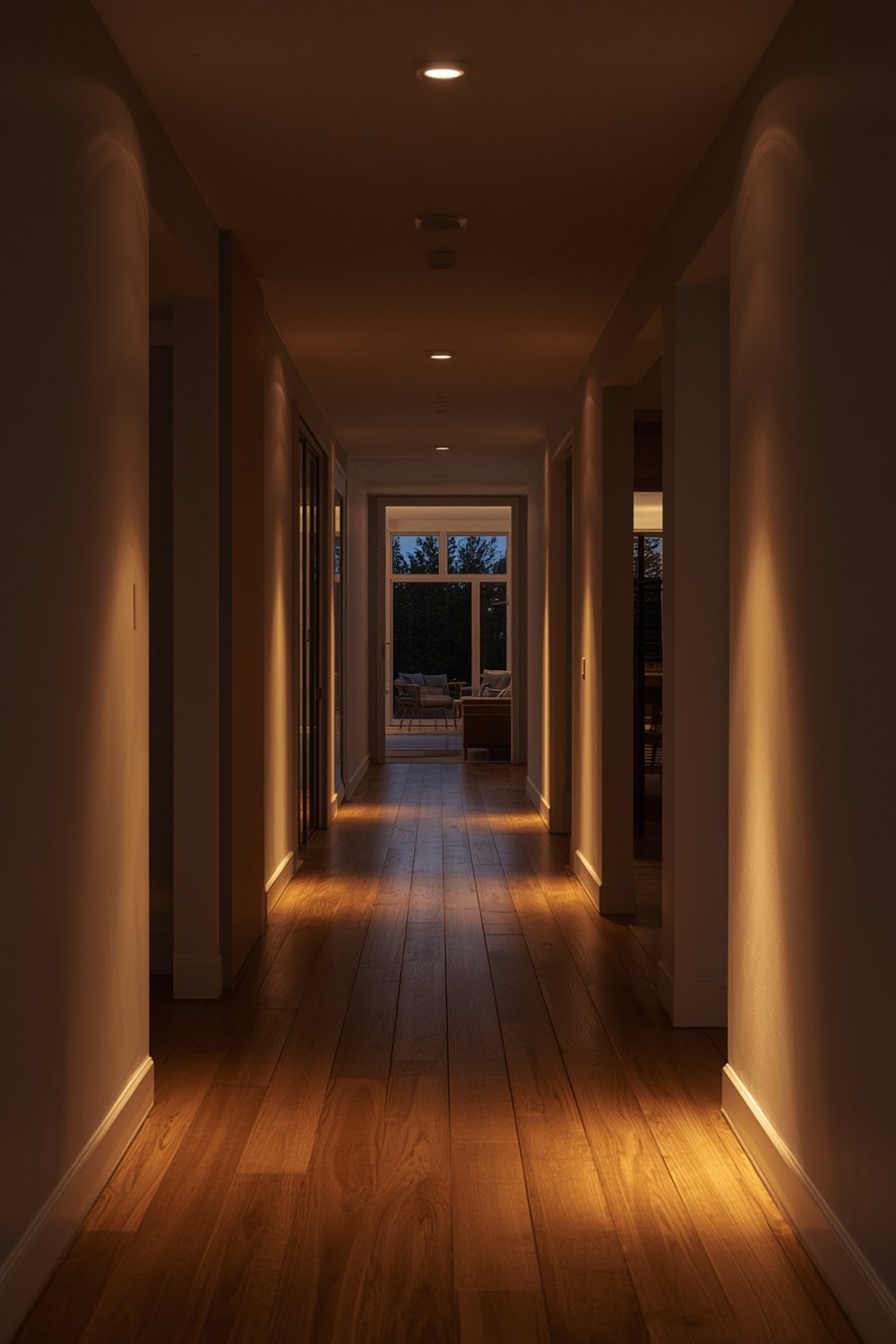
In 2024, market data shows strong global growth for motion-activated lighting. The total market is projected to reach over USD 1.189 billion by 2034 (USD 5.1 billion for motion detector lights alone). Commercial adoption leads—especially due to energy codes and retrofit incentives for offices and campuses. Meanwhile, the residential sector is quickly catching up, driven by DIY outdoor security lights and smart-home adoption in North America and Europe.
The smart motion sensor light market specifically has exploded, hitting USD 7.2 billion in 2024 globally. These trends show motion sensor lighting is more than a trend: it’s now a core strategy for cutting energy use and increasing safety in buildings of all sizes.
For those interested in maximizing energy savings across the home, check out our in-depth guides on energy efficient light bulbs and energy saving light bulbs.
How to Choose and Implement Motion Sensor LED Lighting: Step-by-Step
- Define Your Application and Goals
- Are you lighting hallways, stairwells, entryways, or outdoor security zones?
- Decide if you need basic automatic on/off, smart-home integration, or advanced zone control.
- Consider wiring: New wiring vs plug-and-play battery/solar models.
- Select Compatible Fixture Type
- Indoor Areas: Look for low-profile wall, ceiling, or stair lights. Safety lighting typically needs 50–200 lumens per fixture; main hallways may require up to 800 lumens.
- Outdoors: For driveways, patios, or perimeter security, aim for 600–2000 lumens, wide detection angles (120–240°), and high weather resistance (min IP44, ideally IP65+ for full exposure).
- For step or task lighting, review specialized solutions such as LED step lights and solar motion sensor flood lights.
- Choose Sensor Type and Configuration
- PIR: Standard for most units, good for people detection but may miss slow movements or small pets.
- Microwave: More sensitive, penetrates light obstacles, but can trigger false positives (e.g., moving cars outside a wall).
- Dual-tech: Combines both to improve reliability in tricky spaces.
- Look for adjustable time-delay, sensitivity, and light threshold settings for fine-tuning.
- Evaluate Power Source
- Battery or solar-powered models offer flexibility but require regular maintenance (battery change or charging). Prioritize high-quality batteries for cold climates or frequent use. For top performance and rechargeable options, consider battery life solutions like Panasonic Eneloop Pro.
- Wired models deliver greatest reliability and lowest running cost—more work for installation but the best long-term TCO for high-traffic or commercial spaces.
- Plan Placement and Installation
- Install sensors at optimal height (typically 1.8–2.5 meters) and angle to maximize coverage and avoid false triggers (like passing vehicles or pets).
- Weatherproof outdoor units; double-check IP rating versus your exposure level to prevent water ingress and corrosion.
- For plug-in or smart systems, ensure Wi-Fi coverage or integration with your smart hub is solid. Weak connections cause unreliability and user complaints.
- Use reliable mounting hardware—many user complaints stem from adhesive indoor lights falling off over time.
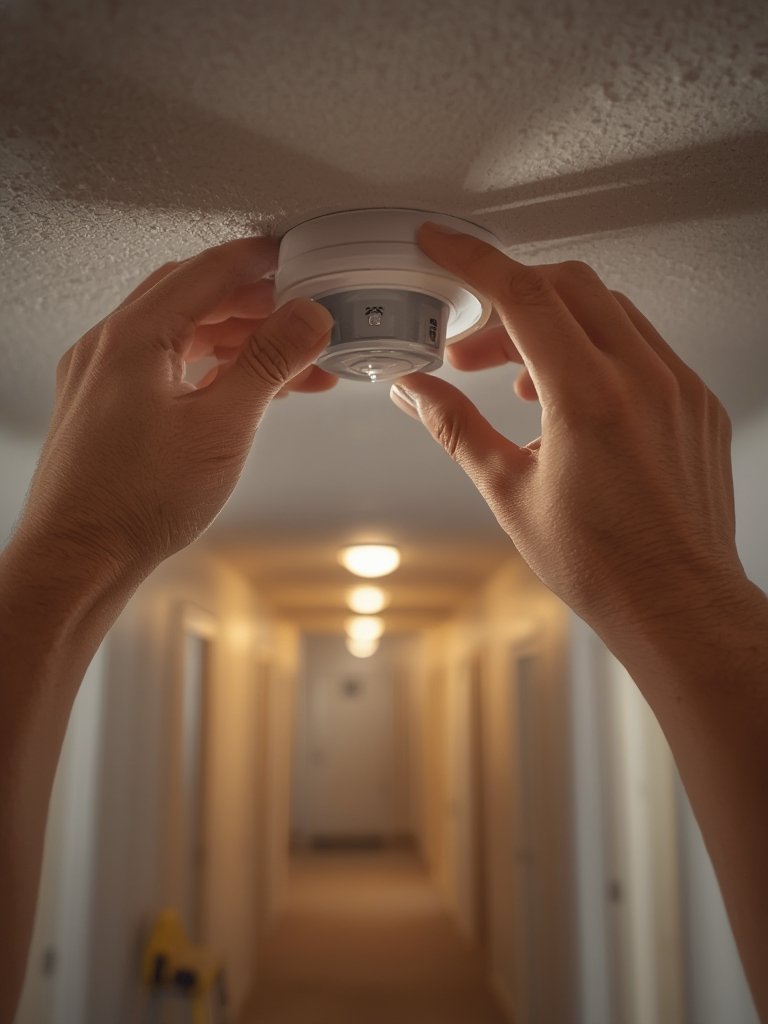
Upgrading other areas? Consider kitchen island light fixtures for task lighting, or enhance outdoor ambiance with Govee outdoor LED lights.
Advanced Analysis: Pitfalls, Myths, Real User Problems
Despite rapid adoption, motion sensor LED lighting is not plug-and-play perfection. Real-world complaints and market reports in 2024 reveal recurring pitfalls—especially in budget, battery-powered, or DIY models:
- Battery Life Overstatement: Users consistently complain advertised runtimes are unrealistic for high-traffic, cold, or outdoor scenarios. Solar options also struggle in winter or shaded installations (source).
- False Triggers & Missed Detections: Pets, passing cars, or even strong wind can trip PIR sensors. Conversely, the wrong mounting angle or insufficient range causes lights not to turn on when needed.
- Durability & Weather Resistance Shortcomings: Low-cost “outdoor” lights are often let down by poor housings, failing waterproof seals, or adhesives that won’t last a season.
- Smart System Glitches: App connectivity issues, unreliable Wi-Fi zones, and firmware bugs are common in entry-level smart lights, leading to frustration or total automation breakdown.
- Total Cost of Ownership Surprises: Frequent battery replacements and sensor failures can erase your energy cost savings, especially with cheap imports.
| Aspect | Motion Sensor LED (Wired) | Motion Sensor LED (Battery/Solar) | Traditional Manual LED |
|---|---|---|---|
| Upfront Fixture Cost | Higher (sensor + control added) [1] | Moderate (self-contained unit) | Lowest |
| Installation Cost | Higher in commercial; modest in DIY | Very low (no wiring) | Low–moderate |
| Energy Costs | Lower, due to off/dim when unoccupied [3] | Often zero (solar) or low (batteries) | Higher (often left on) |
| Maintenance | Sensor failures possible; fewer lamp replacements | Frequent battery replacements; possible solar/battery issues | Fewest components; regular lamp replacement |
In poorly written guides, critical sub-topics are often left out, leading to disappointment. For example, most blogs don’t explain the impact of duty cycle on battery costs, the difference between sensor types in real detection scenarios, or the importance of sensor tuning.
For those planning advanced automation, be aware that integrating motion lighting with smart systems introduces complexity—network outages, data privacy, and conflicting controls with other occupancy systems can create unexpected headaches. For detailed tips on whole-system setups, review our resource on Lutron Caseta smart switch setups.

Conclusion
Motion sensor LED lighting offers a clear path to energy savings, security, and smart home functionality in 2024. But real-world adoption requires matching the right product to the right job, mindful installation, and honest expectation of ongoing costs and maintenance. Always review specifications in detail, seek out real user reviews—not just manufacturer claims—and weigh total lifetime value, not just the sticker price.
Want more actionable insights on motion sensor LED lighting, energy saving, and smart lighting strategies? Explore our latest tutorials or reach out for custom advice for your unique building or home.
FAQ
Do motion sensor LED lights really save money?
Yes, in most cases. By turning lights on only when needed, motion sensor LEDs reduce energy consumption—especially in spaces with sporadic occupancy. Market research and field studies suggest 15%–60% savings versus always-on lighting. That said, frequent battery replacements or unreliable sensors can offset some gains, particularly with cheap battery models.
What’s the biggest downside of battery-powered motion lights?
The main complaint is unpredictable battery life. Actual runtime depends heavily on traffic, temperature, and power settings. You may need to change batteries monthly in a busy area or in freezing weather. Solar variants help—if your installation receives adequate year-round sunlight.
Are outdoor motion sensor lights easy to install?
Most battery or solar models are straightforward DIY installations. The most common pitfalls are poor placement (too high or angled wrong), failing to match exposure to IP rating, and not securing the mount. Always test detection with real movement and double-check weatherproofing.
Will smart motion sensor lights work with any home automation system?
Not always. Compatibility depends on wireless protocol (Wi-Fi, Zigbee, Z-Wave), hub support, and sometimes region. Network coverage and firmware reliability are critical; frequent complaints cite dropped connections or misfiring automations. Check product documentation and user experiences for your specific setup.
What technical specs matter most when choosing a motion sensor LED?
For indoor use, focus on lumen output, detection range and angle, color temperature, and battery type if wireless. For outdoors, add IP rating, battery or solar system sizing, and UV/weather-resistance. Don’t forget to look for adjustable sensitivity and time-delay controls for best use-case matching.