

LED desk lamps are now the top choice for students, home offices, and anyone spending hours at a computer, thanks to their low energy use and impressive eye-care features. But picking an adjustable, eye-care, or dimmable model that truly protects your eyes—and is actually comfortable to use—isn’t as simple as it sounds.
Key Takeaways
- LED desk lamps with eye-care and adjustable features are driving a booming global market, now over USD 10-20 billion and growing quickly.
- Real-world comfort depends on specifics like flicker percentage, CRI, adjustability, and warranty—far beyond just “eye-care” marketing.
- Many review complaints stem from build quality, confusing specs, and poor lamp-screen-room setup, not just the lamp itself.
- What Makes LED Desk Lamps Stand Out?
- How to Choose (and Use) the Right LED Desk Lamp: A Step-by-Step Guide
- Advanced Analysis & Common Pitfalls
- Conclusion
- FAQ
What Makes LED Desk Lamps Stand Out?
LED desk lamps have rapidly taken over the workspace and study lighting markets, winning over consumers thanks to real improvements in energy efficiency and visual comfort. As of 2024, this segment—especially lamps marketed as adjustable, eye-care, or dimmable—accounts for more than USD 10 to 20 billion worldwide. The main reasons people are switching? These lamps promise flicker-free light, adjustable color temperature and brightness, and longer-lasting performance compared to older technologies like halogen or fluorescent. For people worried about eye strain from screens or long study hours, “eye-care” features like low flicker, high CRI, and comfortable adjustability have become must-haves. However, as the market booms, it’s easy to get lost in vague marketing claims and skip the technical specs that truly matter.
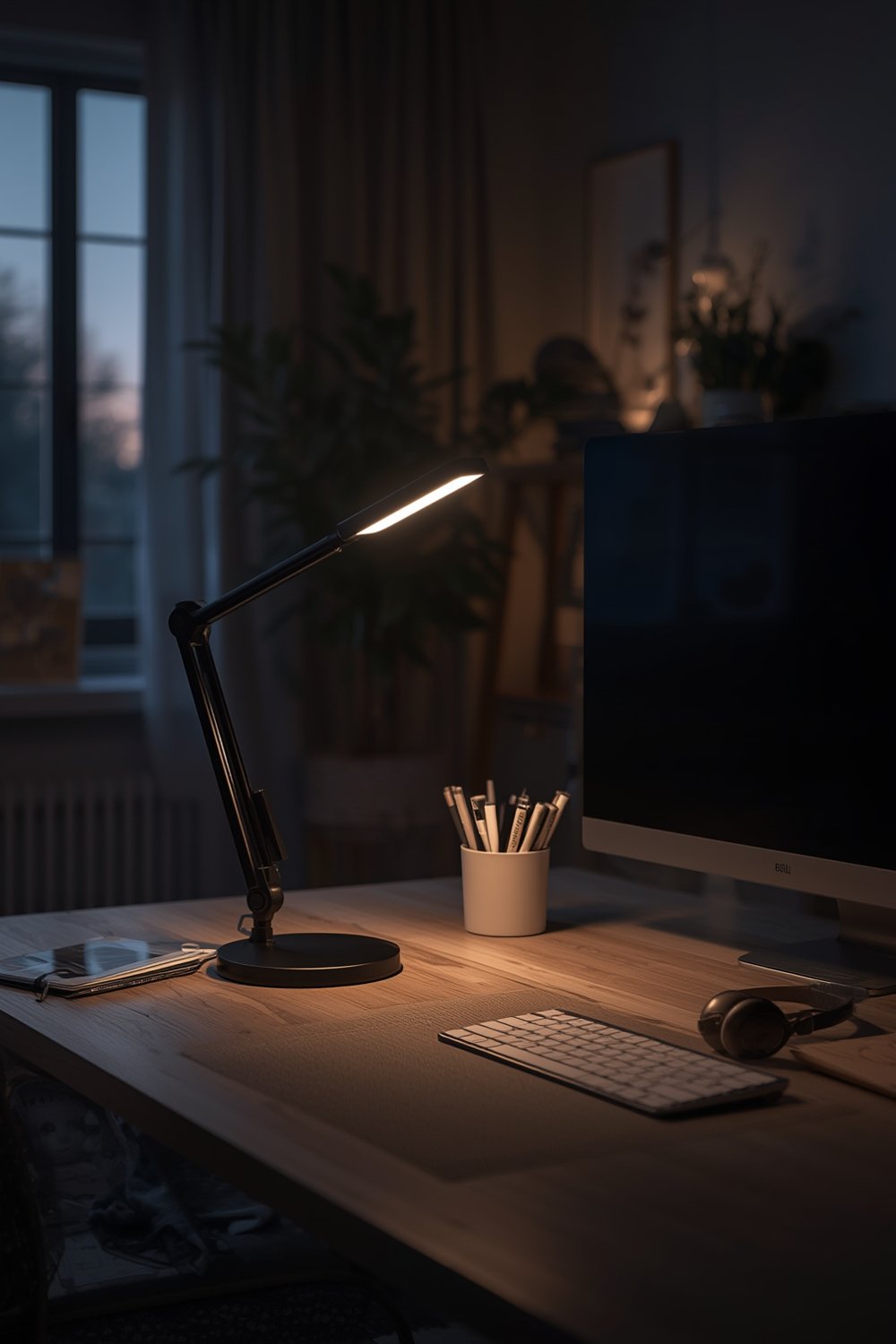
Demand is also fueled by remote work trends and smart home integration (voice assistant, app-control), as seen in global research from DataIntelo and Grand View Research. But not every “adjustable” or “eye-care” lamp lives up to the promises. Understanding the science behind these features—and their real impact on your health and comfort—is essential before you buy.
How to Choose (and Use) the Right LED Desk Lamp: A Step-by-Step Guide
Selecting the right LED desk lamp requires more than just browsing review stars. Here’s how to confidently pick (and set up) a lamp that will genuinely reduce eye fatigue, last for years, and fit your space:
- Set Your Priorities: Eye-Comfort, Durability, or Smart Features?
Decide whether low flicker, color quality, or app/voice integration is most important for your setup. For students or long work sessions, choose sleep-friendly or eye-ergonomic lamp models, which avoid blue-light spikes at night. - Check the Core Specs:
– Flicker: “Flicker-free” ideally means a flicker percentage under 10% and a PWM frequency above 20kHz.
– CRI (Color Rendering Index): 90+ for accurate and soothing color.
– Color Temperature: You want a wide, clearly marked range—usually 2700K (warm) to 6500K (cool)—with stepless dimming, not just three presets. - Match Brightness to Your Desk Task:
For focused reading or detail work, aim for 500 to 1000 lux at your desk. Bigger setups (multiple monitors, art desks) may need even more. Most mid-grade lamps top out near 800 lux. - Assess Adjustability and Ergonomics:
Look for designs with multi-joint arms or rotating heads. Check product images for the lamp’s reach and vertical clearance. If you use a standing desk or a deep work area, avoid single-post or fixed-head designs. - Don’t Overlook Controls and Memory:
Touch controls should feel responsive, with memory that remembers your last brightness and color settings. Mechanical push-buttons (even with tactile marks) can be easier to operate in the dark than flush touch zones. - Compare Price with Warranty:
Budget: USD 15–30, basic features. Mid-range: USD 30–80, good for eye-care and students. Premium: USD 80–200+, for advanced adjustability and professional comfort.
A 2+ year warranty is the mark of a brand that expects its LED drivers and controls to last. - Optimize Your Lighting Setup:
Desk lamps alone can’t solve all eye strain problems. Match the lamp with room light and adjust your monitor’s brightness. Check out our guide on energy efficient light bulbs to build a complete lighting environment that reduces contrast and minimizes glare. - Evaluate Real-World Reviews:
Look past “eye-care” badges. Focus on negative reviews mentioning flicker headaches, joint wear, control failures, and faded finishes, as summarized in our research above and seen in common complaints posted under desk lamp listings.
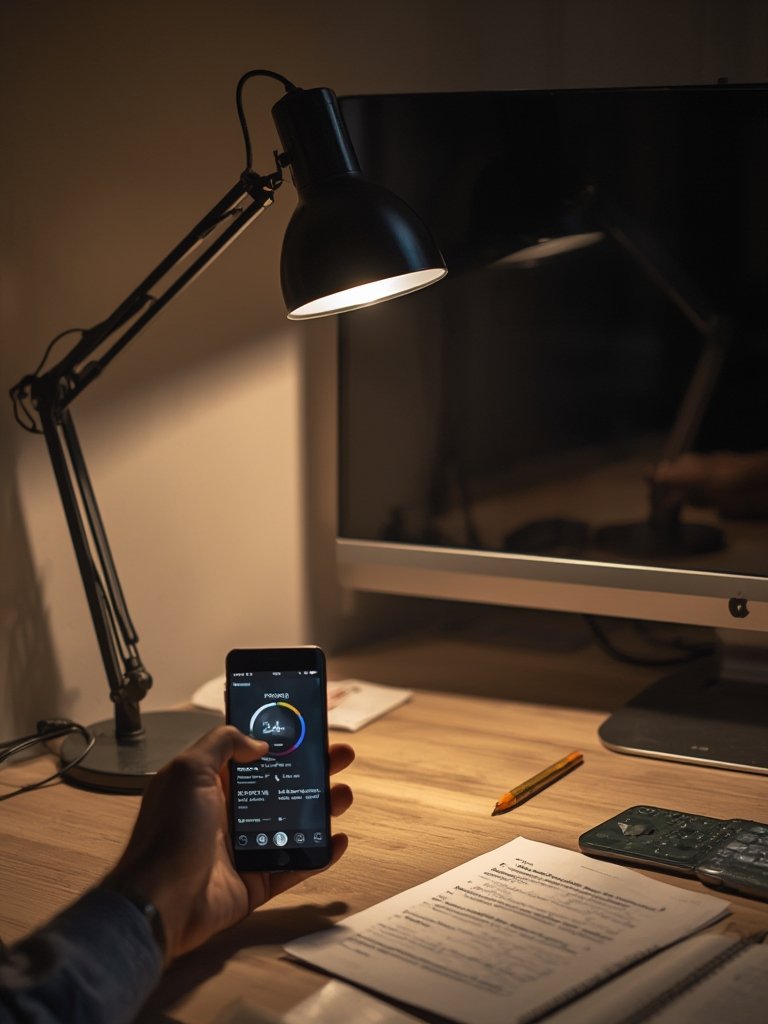
For alternatives in other rooms, see our guides on floor lamps and kitchen lighting upgrades.
Advanced Analysis & Common Pitfalls
Despite the flood of options, many LED desk lamps labeled as “eye-care” fall short in real-life use. Here’s what our review and research synthesis reveals as the most common and frustrating pitfalls buyers report—and how to avoid them:
| Feature | Low-Cost Lamps | Quality Eye-Care Lamps | Common Pitfalls |
|---|---|---|---|
| Flicker | Noticeable at low brightness (20–100%); low frequency PWM | Flicker under 10%; often high frequency | Marketing claims untrue; check with phone camera |
| Color Rendering (CRI) | 80 (dull/washy colors) | 90+ (natural and vibrant) | Manufacturers rarely list true CRI |
| Dimming/Temp Range | Limited steps, jumps; narrow temp options | Stepless, smooth, multiple CCTs | Minimum setting still too bright or max too low |
| Adjustability | Basic hinge, slips over time | Multi-jointed, holds position | Joints loosen, arms wobble, limited reach |
| Controls | Touch zones, limited memory | Physical/touch, remembers last setting | Fails in dark, no tactile feedback |
| Warranty | 6–12 months | 2–5 years | Poor support, denied claims on LEDs or electronics |
- Unclear technical details: “Eye-care” means little if the product doesn’t list specific flicker and CRI numbers. Don’t believe anti-blue light labels unless spectrum or peer-reviewed research is cited.
- Poor mechanical quality: Loose joints, short arms, and weak clamps are common cost-cutting points—focus on metal hardware and strong springs for heavy use.
- Noisy drivers and cheap power supplies: Electrical buzzing at some brightness levels indicates poor circuit design; it’s more likely in generic online-only brands.
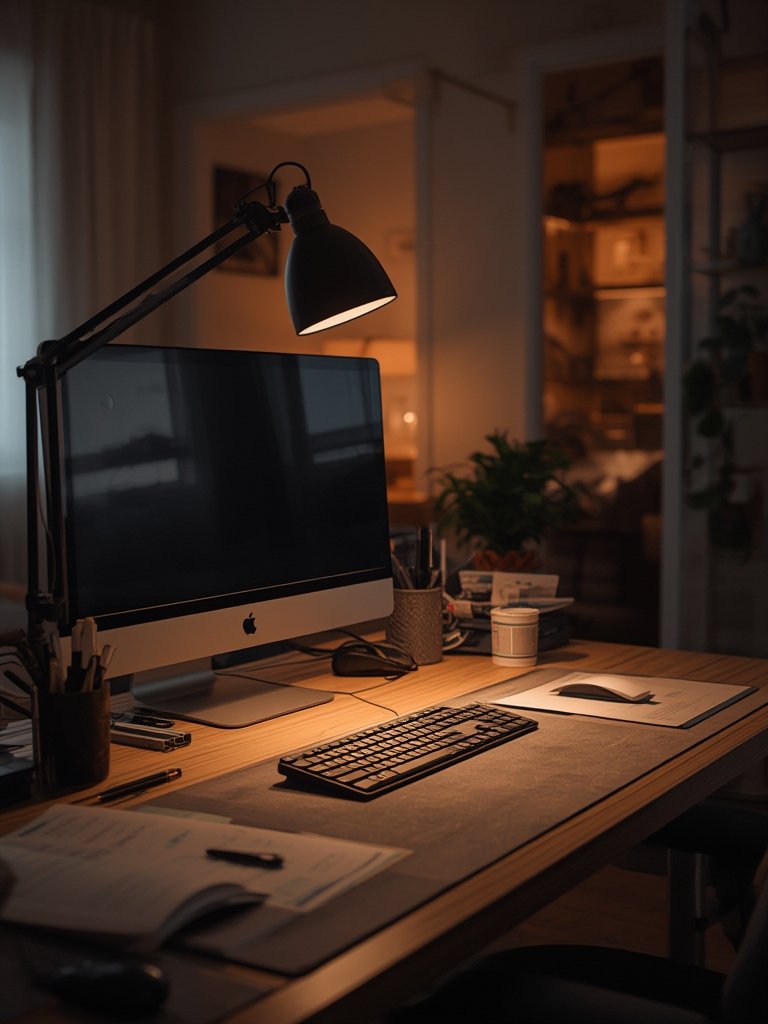
- Wrong lamp for your setup: A lamp’s greatest features are useless if it reflects off your monitor, creates hotspots, or fails to light your work area evenly. Desk and task lighting should be set up as a total system, not piecemeal.
- Lack of warranty support: Reviews show buyers are happiest with brands that offer two years or more of real warranty—especially as LEDs and power circuits are not DIY-repairable.
Want to understand at a more technical level? Check the latest industry and scientific findings summarized by SkyQuest and Grand View Research on how brightness, flicker, and color affect real-world eye comfort.
For advanced smart-home integration, see our resource on smart light switches and their impact on creating a customizable environment.
Conclusion
In 2024, LED desk lamps—especially adjustable and eye-care models—are essential tools for healthy, long study sessions or productive workdays. But only those with high CRI, genuine low-flicker circuitry, and robust mechanical quality deliver on their promise. Before buying, insist on real numbers, not just marketing. Combine your new lamp with thoughtful room lighting for true comfort. Ready to make an informed choice? Explore more on creating the perfect lighting setup, or start your search for the perfect LED desk lamp today.
FAQ
What does “flicker-free” really mean for LED desk lamps?
“Flicker-free” means the lamp’s brightness does not rapidly pulse at a level or speed that the human eye can detect and react to. In technical terms, this usually means less than 10% flicker percentage and a PWM frequency above 20kHz. However, not all lamps marketed this way hit these benchmarks—always check or test for yourself.
Is a higher CRI value important for study lamps?
Yes. CRI, or Color Rendering Index, measures color accuracy under artificial light. Lamps with CRI 90+ make text and colors clearer and reduce visual fatigue—a big benefit for long reading or work sessions.
How should I combine my desk lamp with room lighting for minimal eye strain?
Combine a desk lamp with soft ambient lighting to avoid stark contrasts between screen, task area, and background. Adjust your monitor to match the lamp and room lights. This setup reduces squinting and helps your eyes adjust comfortably.
Do most LED desk lamps come with a good warranty?
Budget and generic lamps often have only a year or less of warranty, while higher-end brands commonly offer two years or more. Longer warranties help—customers report better satisfaction when support is responsive and issues like power supply or LED failure are quickly resolved.
Are adjustable, “eye-care” lamps worth the higher price over budget bulbs?
Usually, yes. Lamps with precise specs, robust build, and eye-care engineering genuinely reduce fatigue and last longer. Cheaper models may flicker, break, or feel uncomfortable over time—costing more in the long run.