

Smart fan light remote technology is rapidly changing how people manage home comfort, lighting, and energy efficiency. If you’ve wondered whether upgrading your ceiling fan’s control system is worth it—or are frustrated by complex smart home setups—here’s a realistic breakdown of what to expect, what works, and where the industry is headed in 2024.
Key Takeaways
- Wi-Fi and voice-controlled smart fan light remotes are accelerating in popularity, especially for residential users seeking energy savings and convenience.
- Most solutions are compatible with Alexa and Google Home, but installation costs and device compatibility with legacy fans still vary widely.
- Firmware reliability, security, and true energy savings are often glossed over—so know the risks and check for real-world updates before you buy.
- What Is a Smart Fan Light Remote and Why Consider One?
- How to Choose & Install a Smart Fan Light Remote: A Step-by-Step Guide
- Advanced Analysis & Common Pitfalls
- Conclusion
- FAQ
What Is a Smart Fan Light Remote and Why Consider One?
A smart fan light remote lets you control your ceiling fan and integrated lighting—often LED, sometimes even color-tunable—by phone app, Alexa, or Google Home. Typical features include scheduling, dimming, adjustable fan speed, and even power usage monitoring. The goal: simplify home comfort, automate airflow and lighting, and cut energy spend.
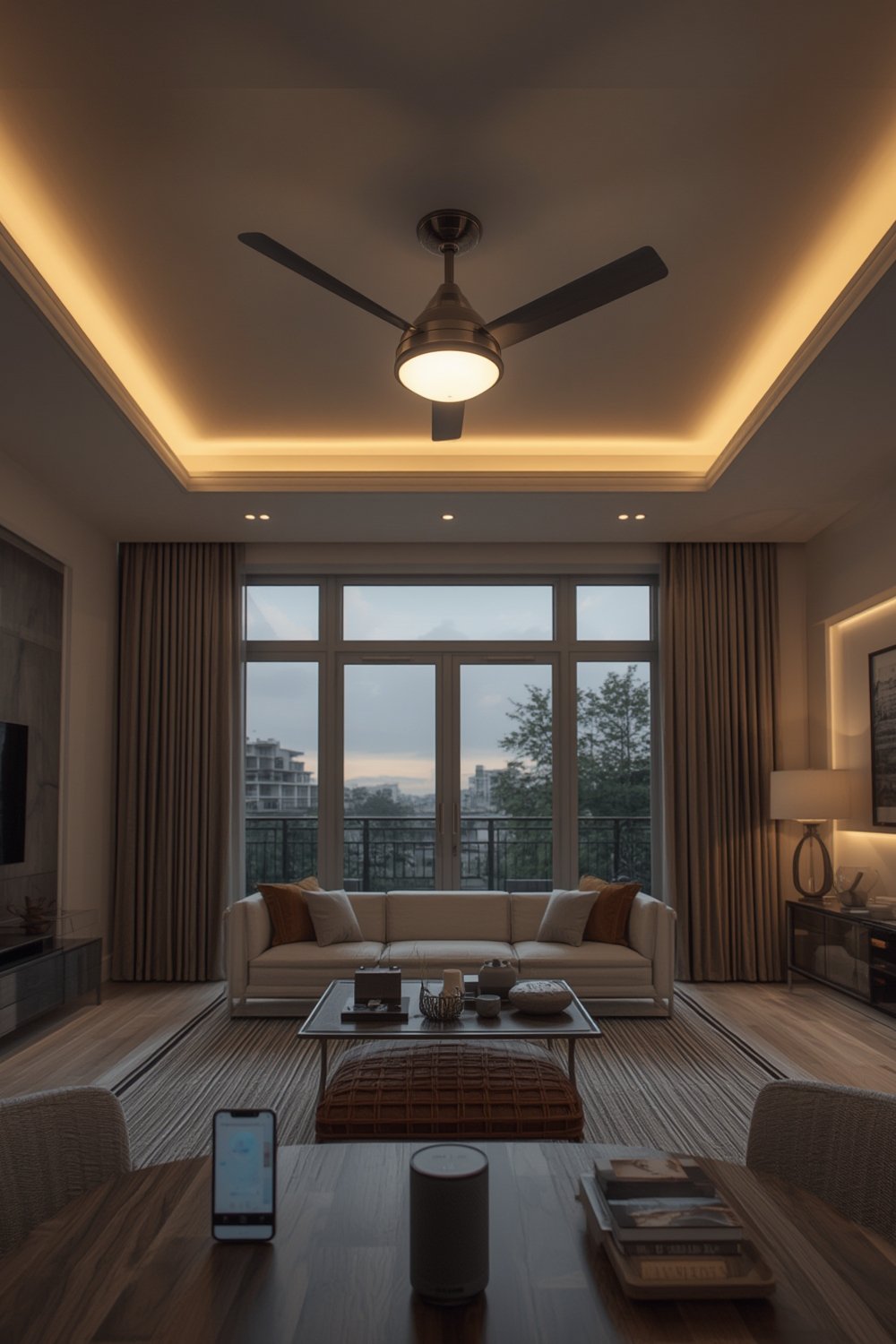
The global market for smart ceiling fans (including remotes and controllers) has already hit USD 951 million by 2024, with projections above USD 1.45 billion within a decade due to surging residential adoption. Wi-Fi connectivity is now standard, letting users group fans/lights with smart bulbs in full-scene automation or voice routines.
A smart fan light remote isn’t just about not having to get up off the couch. It’s a doorway to easier climate control, adaptive lighting moods (task or ambient), and better integration with modern smart lighting—think pairing a fan and a smart LED strip for full-room automation.
How to Choose & Install a Smart Fan Light Remote: A Step-by-Step Guide
-
Assess Your Existing Fan & Wiring
Modern DC motor fans with built-in LED lights are most compatible, but many controllers retrofit to legacy AC-motor fans as well. Check if your ceiling box has a neutral wire—needed for some smart controllers and dimmable LED modules. Not sure? This guide to smart dimmer switches will help you figure out your wiring status.
-
Review Smart Platform Compatibility
Check if the fan light remote supports your voice assistant (Alexa, Google Home). Some models need their own app; others work natively with your ecosystem. Native Wi-Fi models are usually easiest for routines and grouping.
-
Pick for Features, Not Hype
Core features to look for: multi-speed fan control, light dimming, scheduling, and app control. Top sellers usually offer energy usage analytics. If you want to sync lighting moods, look for color-tunable or CCT adjustable compatibility.
-
Plan the Installation
For most Wi-Fi remotes, it’s as simple as swapping the receiver in the canopy and pairing codes in the app or with your assistant. If you have multi-gang switches, you may want to replace wall switches too.
-
Connect & Program
Download the manufacturer’s app, connect the remote/receiver via Wi-Fi, configure schedules, scenes, and voice commands. This is a good moment to integrate with other smart lighting, like smart can lights or an Alexa-compatible lamp.
For renters or quick installs, battery-operated remote kits exist but may lack app integration or voice control. Permanent Wi-Fi solutions generally outperform these on reliability.

Want to boost ambiance? Pairing a smart fan light remote with indoor accent lights or dynamic strip lighting can transform a living room, especially for movie nights or entertaining.
Always update the controller’s firmware right away for the latest features and bug fixes. Modular designs make updates easier, but reliability still varies by brand.
Advanced Analysis & Common Pitfalls
The smart fan market looks glossy in press releases, but real-world performance isn’t flawless. Here’s what to watch for:
| Feature | Smart Fan Light Remote | Traditional Pull-Chain/Remote |
| Control Options | App + Voice (Alexa/Google), Scheduling, Scenes | Manual Only, Limited IR/RF Remote |
| Installation & Wiring | May need neutral wire, app setup, firmware updates | Plug and play or basic wiring |
| Energy Monitoring | Usually built-in, analytics via app | None |
| Maintenance | Firmware updates, occasional app issues | Batteries for remote, rare failures |
| Device Compatibility | Works with Alexa, Google Home, smart scenes | Works with fan only; no integration |
| Security/Privacy | Unclear; few brands publish details on data handling | Not applicable |
| Upfront Cost | Moderate to high | Low |
Hidden Downsides & Unaddressed User Pain Points
- Firmware update failures: Modular controllers support updates, but if an update is interrupted, some devices “brick” and require full replacement.
- App bloat and lag: Many brands require their own app, and some have poorly maintained software or limited documentation.
- Network reliability: Controls may become unresponsive if Wi-Fi is weak—always test signal strength before final install.
- Lack of privacy policy transparency: Unlike leading smart lighting brands, most ceiling fan platforms do not publicize explicit privacy protections or data management practices. For privacy-focused users, this is a significant gap. (See market analysis for more.)
- Inconsistent LED dimming quality: Some fan remote kits offer only on/off, not smooth dimming, or may flicker with certain LED modules—learn more on how to solve LED dimming/flicker issues.
Technical Realities That Matter
- No universal standard yet: Most smart remotes use Wi-Fi, but product compatibility between brands is not guaranteed. Look for Matter support or broad Alexa/Google compatibility if future-proofing is a priority.
- Energy savings—yes, but how much? Claims of “up to 80% energy savings” are mostly marketing. Actual savings depend on the efficiency of the fan motor (brushless DC motor wins here)—not just the smart remote’s scheduling features. Still, analytics via app can alert you to high usage.
Missed in most reviews: the real benefits of integrating with your larger smart home and energy ecosystem. For example, linking your fan with circadian rhythm lighting routines to modulate brightness based on time of day, or using temperature/occupancy sensors for more targeted airflow.
Conclusion
The smart fan light remote market is growing quickly because users want flexible comfort, energy analytics, and easy automation. If you’re after the best experience, invest in a Wi-Fi model with reliable app and firmware support, prioritize compatibility with your favorite voice assistants, and double-check your home’s wiring and Wi-Fi coverage. Don’t expect instant perfection—installation, privacy, and device quirks persist—but with a little planning, a smart fan light remote is a strong step toward a unified, energy-smart home. Start planning your upgrade now and future-proof your living space for real comfort and control.
Ready to explore more smart lighting solutions? Check out our recommendations on voice-controlled smart bulbs or the best Philips Hue lightstrip setups.
FAQ
Do smart fan light remotes really save energy?
They help by enabling schedules, occupancy-based control, and analytics. Major savings come when paired with energy-efficient fans (like brushless DC motor models), not just the remote itself.
Can I retrofit my existing ceiling fan with a smart light remote?
Most modern smart remotes are designed to be compatible with existing fan wiring, but check for a neutral wire and confirm your fan’s motor type (DC vs. AC). If unsure, ask your electrician or read up on smart dimmer compatibility.
Which voice assistants can control smart fan light remotes?
The most popular are Amazon Alexa and Google Home. Some support Apple HomeKit via bridge devices, but double-check specs before buying if HomeKit integration matters to you.
Is there a risk to my privacy/security with app-controlled fans?
Few manufacturers publish detailed privacy policies. If data handling and updates worry you, stick to established brands and use separate guest networks for your smart devices when possible.
What if the app or remote stops working after a firmware update?
It’s a known risk. Some models allow manual reset or re-pairing, but if the update process is interrupted and the device won’t turn on, replacement may be required. Always ensure a stable Wi-Fi and power connection during updates.