

Alexa compatible bedside lamps are now a staple of modern bedrooms, blending convenience and voice automation—but most buyers underestimate both the technology’s potential and the hidden pitfalls.
Key Takeaways
- Smart bedside lamps with Alexa or Google Assistant are driving consumer smart lighting growth, already accounting for up to 50% of smart lighting units by 2024.
- Network limitations and poorly secured apps are common headaches—real-world setup and long-term reliability often differ from the marketing claims.
- Choosing lamps with Matter support, strong privacy policies, and robust local control can future-proof your smart lighting and reduce frustration.
- What Makes Alexa Compatible Bedside Lamps Stand Out?
- How to Choose and Set Up an Alexa Compatible Bedside Lamp: Step-by-Step
- Key Pitfalls, Advanced Trends, and What Competitor Articles Miss
- Conclusion: Are Alexa Compatible Bedside Lamps Right for You?
- FAQs
What Makes Alexa Compatible Bedside Lamps Stand Out?
Alexa compatible bedside lamps are Wi-Fi or Matter-ready lighting devices designed for direct integration with Amazon Alexa—which means voice control, automation, and smartphone app remote access, all with zero requirement for a separate hub. As of 2024, these lamps anchor the rise in smart lighting for homes, with consumer units (including bedside/table models) making up nearly half the segment, fueled by the demand for plug-and-play voice control.
Several brands—like TP-Link, Govee, Philips Wi-Fi, and Lumiman—now emphasize no-hub, direct-connection products. This convenience, plus falling prices and growing ecosystem compatibility (including Alexa, Google Assistant, and soon universal Matter), have changed how bedrooms are lit.
For fun accent lighting, see this guide on sunset lamps or explore smart TV accent lighting for relaxation spaces.
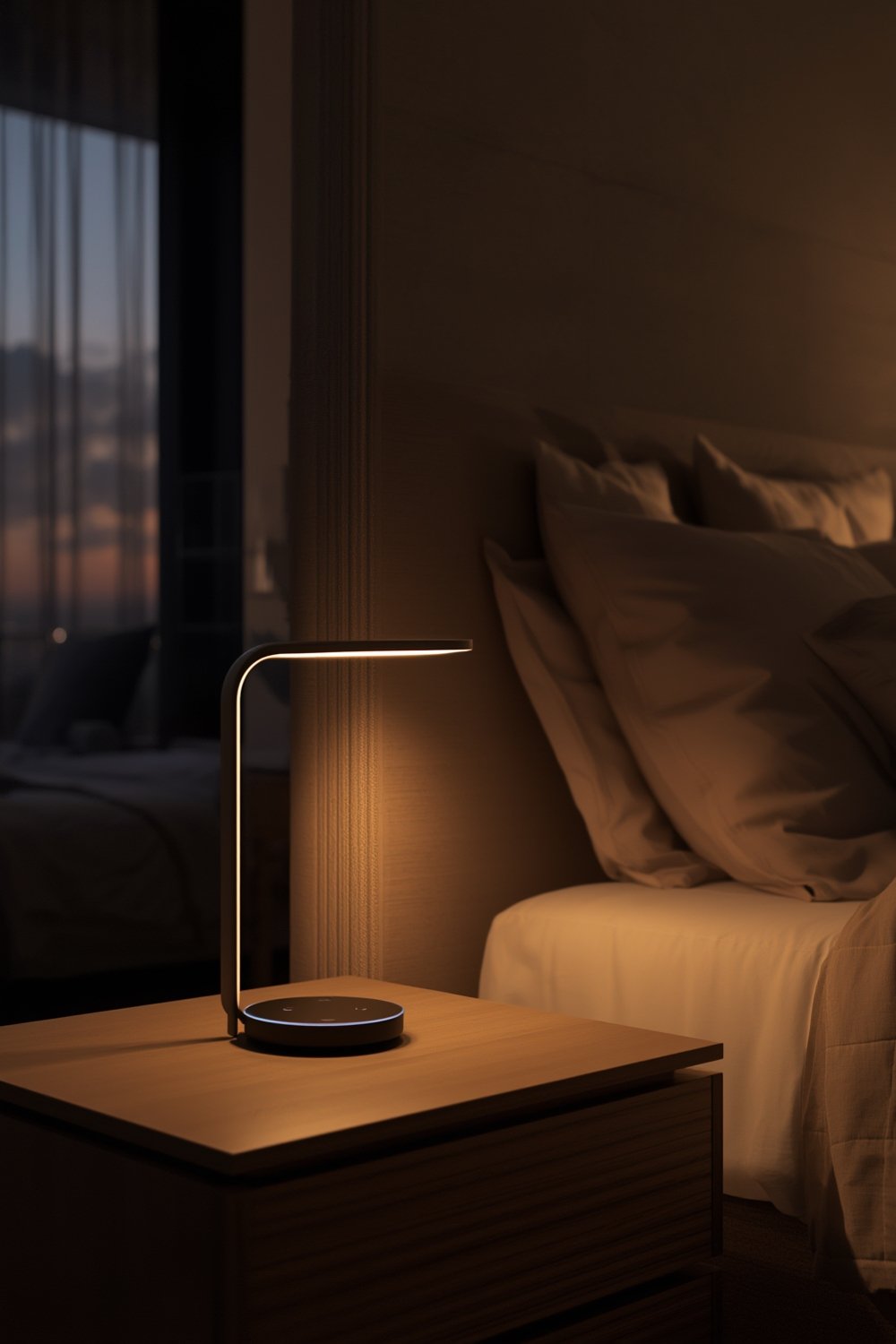
What sets Alexa compatible bedside lamps apart is voice-first control—like “Alexa, turn on my reading lamp”—plus routines for sunrise waking, sleep, or mood, all managed from bed. Most users now expect hubless setup, smartphone apps, custom scenes, and multiple assistant support.
But real adoption numbers for “Alexa compatible table lamps” are folded into bigger categories—industry trackers report only the overall smart lighting or smart home device pie. Still, by 2026, the total smart lighting market will hit $25–30B, with voice-enabled products leading adoption (source; source).
How to Choose and Set Up an Alexa Compatible Bedside Lamp: Step-by-Step
-
Decide on Core Requirements:
- Do you want only warm/cool white or color changing (RGB)?
- Is Matter-ready smart bulb multi-platform support needed for Google/Apple/Hue integration?
- Pick the right brightness—look for at least 600 lumens for reading.
-
Check Compatibility and App Support:
- Confirm “Works with Alexa”—avoid lamps requiring a bridge, unless future-proofing with Matter.
- If possible, opt for lamps with LAN or local-only mode for privacy (see tips here).
- For budget options, Amazon Basics and Lumiman bulbs are Alexa direct; for color and higher-end features, explore Kasa, Philips Wi-Fi, and Govee.
-
Prepare Your Network:
- Most lamps/bulbs require 2.4 GHz Wi-Fi; if your phone and router are on 5 GHz, split or label SSIDs accordingly.
- Avoid signal dead zones—try to plug your lamp within 30 feet of the router where possible.
-
App Setup:
- Download the required app (e.g., Smart Life/Tuya, Kasa, Govee or maker’s own).
- Create an account—be prepared for a login, Alexa linking, and possibly a Google/Alexa “skill” or permission request.
- Follow onboarding prompts, usually power-cycling the lamp and connecting via Bluetooth or Wi-Fi.
-
Integration and Testing:
- Add your lamp to Alexa from the device list or via “Add Device > Light.”
- Test commands: “Turn on bedside lamp,” “Dim to 20%,” or “Set lamp to blue.” Rename devices for easy pronunciation.
-
Automation & Groups:
- Create routines in Alexa (“Goodnight turns off all lights,” “Wake up at 7 AM with warm white”).
- Add lamp to “bedroom” group for group voice commands.

For deeper scheduling and scene control, advanced users can integrate these lamps with broader setups—for example, using a Matter-ready smart bulb for Apple/Google/Samsung support, or pairing smart lamps with smart dimmers for full wall-switch automation.
Key Pitfalls, Advanced Trends, and What Competitor Articles Miss
Most Common Problems in Real Use
- Setup Headaches: Many users face pairing failures due to 2.4 GHz Wi-Fi requirements, app timeouts, and unclear error codes. Phones on 5 GHz and lamps on 2.4 GHz = frustration (read more).
- Connectivity Drops: Smart bulbs/lamps often lose connection after power cuts or router reboots. Lamps may show as “offline” and need to be re-added or power-cycled.
- Cloud/App Reliance: Many cheap smart lamps cannot function (or automate) without the vendor’s cloud. If the company shutters its app or servers, features break. This problem is under-discussed compared to the “no hub needed” hype.
- Voice and Grouping Glitches: Voice commands may control the wrong device or not trigger if names are similar. Complex scenes or misconfigured routines confuse Alexa.
- Switch Conflicts: Physically turning off a lamp at the switch cuts power, disabling all smart features. Many buyers forget and think their lamp is “dead.”
- Dim Output & App Frustrations: Budget bulbs often don’t deliver enough lumens for tasks. Some apps are cluttered or filled with ads, making routine setup tiresome.
Missing Perspectives in Most Buying Guides
- Wi-Fi Scalability/Limits: Every lamp is another device on your router. Add 25+ Wi-Fi bulbs/lamps, and older routers may choke, causing slowdowns or disconnections for all devices.
- Cloud Shutdown/Local Control: In the event your vendor’s cloud/app is killed, most guides don’t say what basic functionality remains. Lamps with Matter or local control /APIs offer the best chance of basic on/off control even if the app is gone.
- Accessibility & Shared Households: Voice-only control is limiting for guests, kids, and users with speech or hearing impairments. Good lamps support app widgets, big-text modes, or physical remotes as fallback.
Explore more energy insights by comparing voice-controlled smart bulbs and read about tunable white lighting to fit mood and wellness routines.
Comparison Table: Smart Lamp Power Use vs. Traditional
| Type | Energy Use (Annual, kWh) | Annual Cost (USD, @ $0.15/kWh) | Typical Features |
|---|---|---|---|
| 40W Incandescent Lamp | 43.8 | $6.57 | On/off only, manual control |
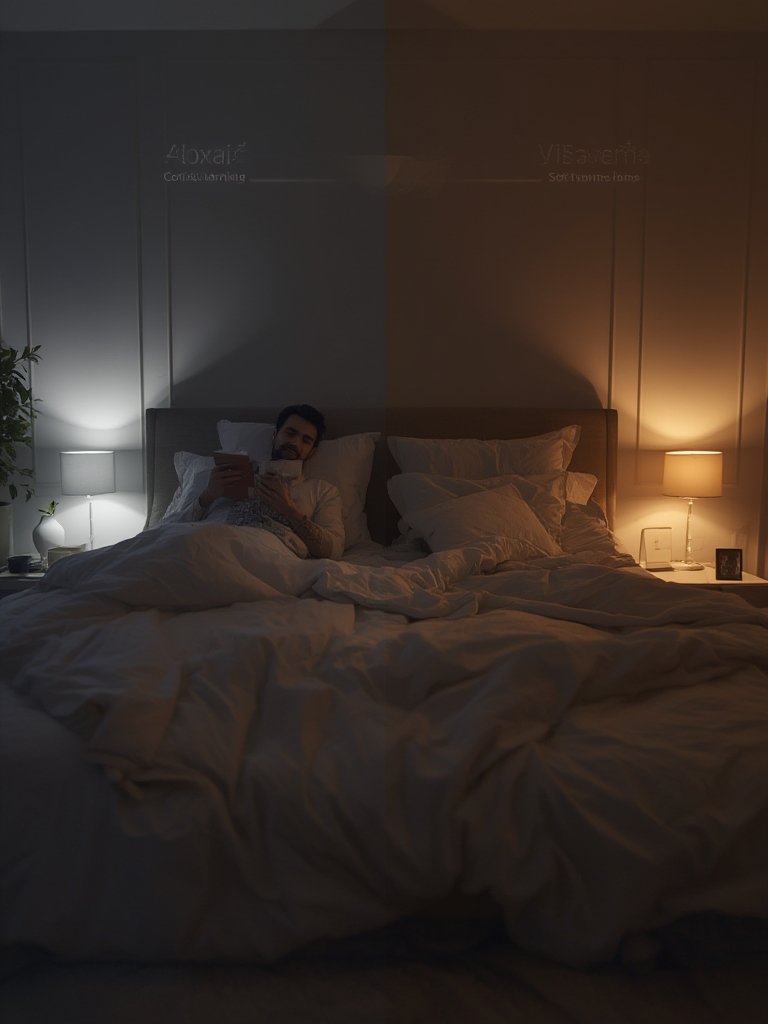
| 8W Smart LED Bedside Lamp (with standby networking) | 17.5 | $2.63 | Voice, app, dimming, color, automation |
| Non-smart LED (8W) | 8.76 | $1.31 | Manual on/off, no automation |
For visual impact, explore how design-focused lamps outperform plain bulbs—see the Philips Hue Lightstrip review for adaptable color and ambiance.
Conclusion: Are Alexa Compatible Bedside Lamps Right for You?
Smart lighting is evolving rapidly, but Alexa compatible bedside lamps offer a unique blend of convenience and automation that fits today’s tech-centered lifestyle. Their dominance in new smart home purchases comes from plug-and-play ease, rich features, and the appeal of voice-first control.
However, shoppers should approach with eyes open: network quirks, reliance on apps/clouds, and real interoperability limits still create friction for many. For best results, favor Matter-certified lamps, simple device naming, and pay attention to long-term app/cloud support.
If you want a no-hassle way to control your bedroom lighting by voice or routine, explore the best-rated Alexa compatible bedside lamps and future-proof your smart home today. Stay updated by bookmarking resources like the Matter Smart Lighting Guide and see trending bedside lamp designs in our upcoming reviews.
FAQs
Do Alexa compatible bedside lamps always need Wi-Fi to work?
Most require Wi-Fi for setup and voice/app control. Some newer models with Matter can fall back to local control, but smart functions generally don’t work without network connectivity unless the device offers a “local-only” mode.
Can I use the same Alexa compatible lamp with Google Assistant or Apple Home?
Only if your lamp is certified for both (or supports Matter). Many Wi-Fi models work with Alexa and Google, but Apple Home compatibility is much more likely if the device is Matter-enabled.
What should I do if my smart lamp keeps disconnecting?
Check that the lamp is close enough to the router and confirm it’s on a 2.4 GHz network. Try power-cycling the lamp or router, and if issues persist, consider a Wi-Fi extender or a router upgrade.
Are smart bedside lamps secure and private?
Major brands continuously improve security with encryption and app updates. For maximum privacy, select lamps that support Matter or LAN control, and review the vendor’s privacy label on what data is collected and shared.
Will my smart lamp still work if the app vendor goes out of business?
Basic on/off may still work if the lamp supports Matter or local API controls. Otherwise, features like automation and remote control may be lost if the app/cloud is discontinued. Always check for local fallback options before buying.
[…] a bonus, you can extend Caseta to window shades or integrate with a smart bedside lamp for room-wide […]