
Philips Hue Bridge Review: Is It the Essential Smart Hub? (2026)
Disclosure: As an Amazon Associate, I earn from qualifying purchases. This means when you purchase through links on this page, I may earn a small commission at no extra cost to you.
Hue Bridge – Complete Review 2025
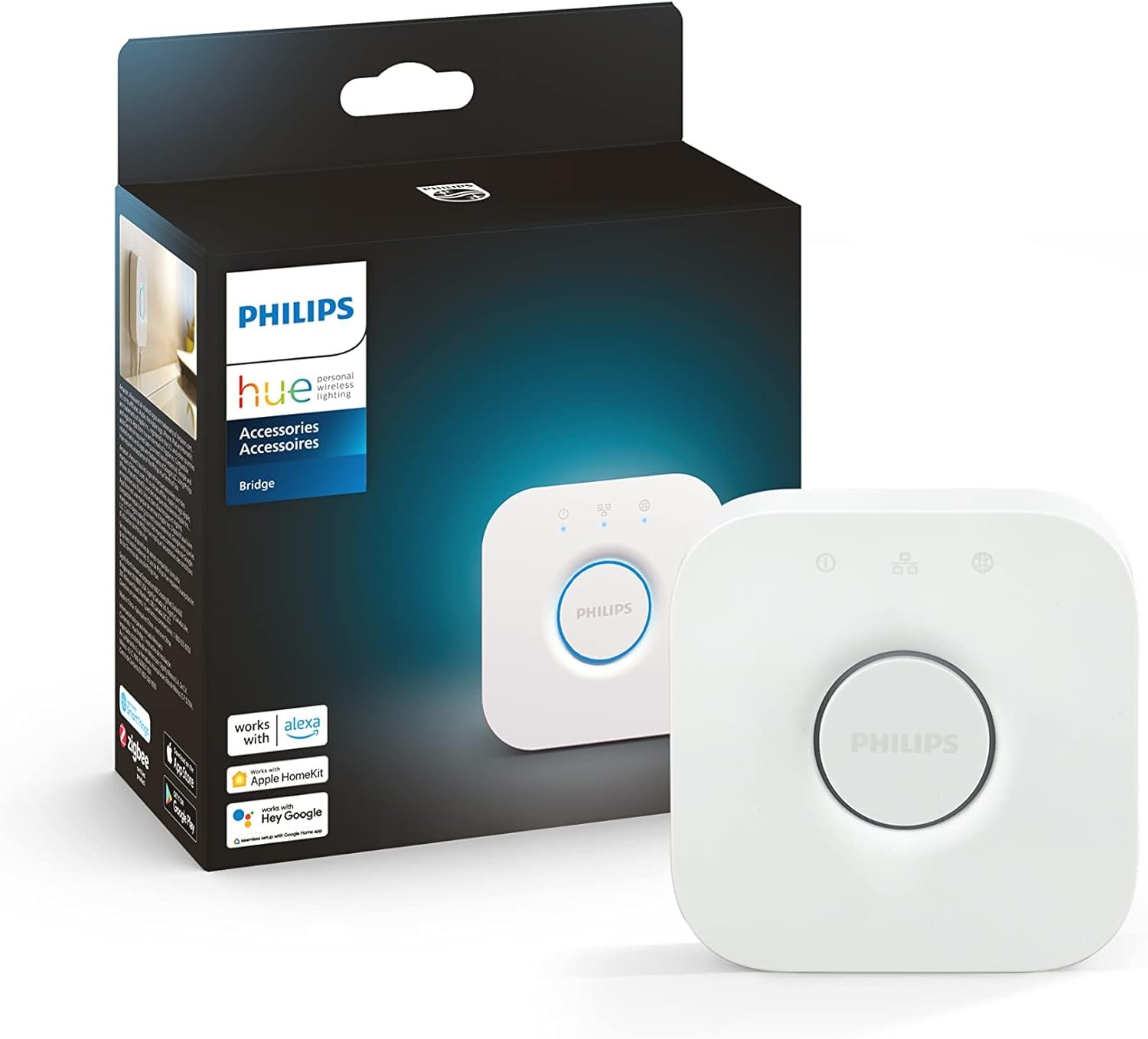
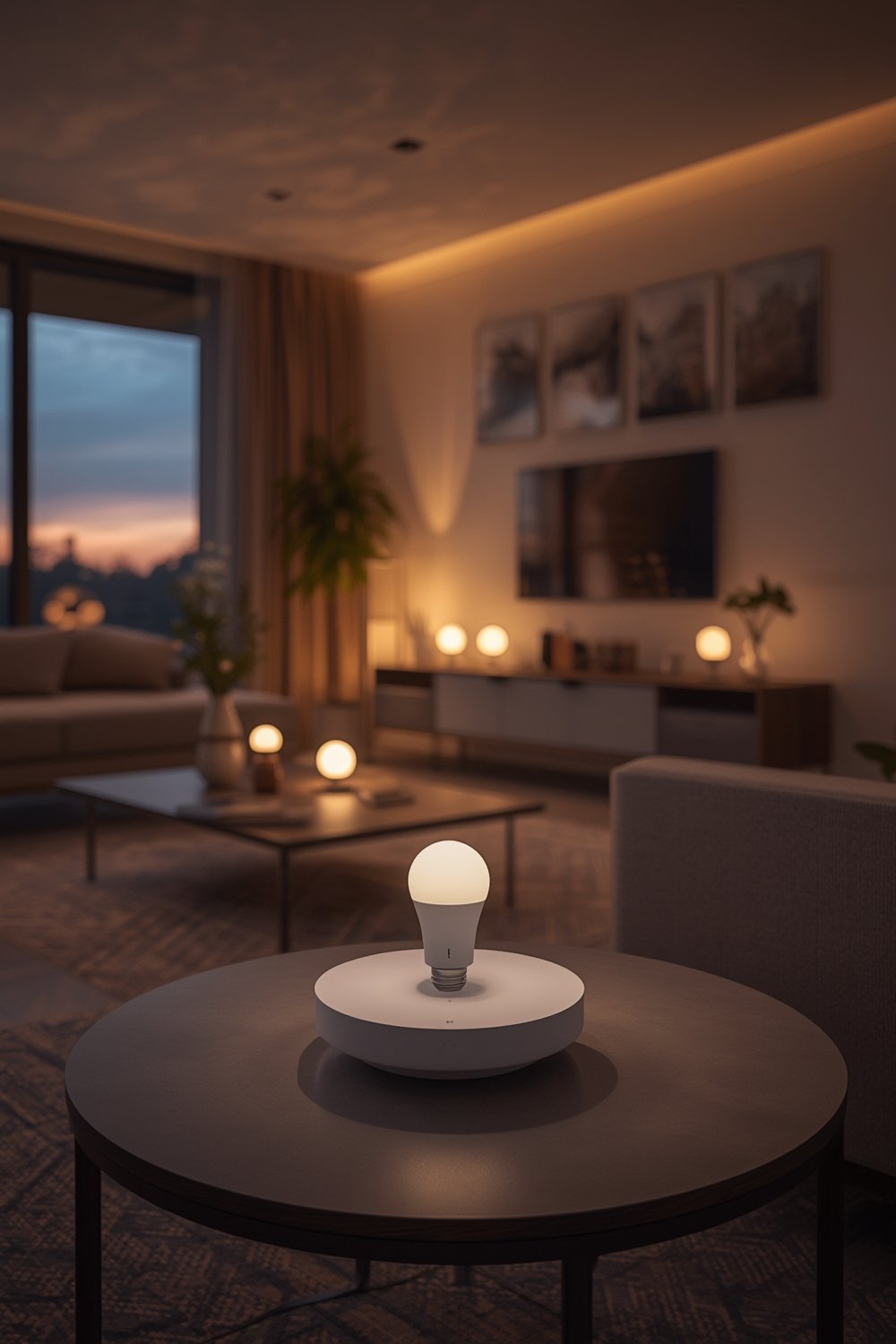
Hue Bridge is the smart lighting hub every modern home deserves. This powerful Zigbee hub unlocks the full potential of your Philips Hue system, offering seamless home automation, stable connection, and control both inside and outside your house. For anyone dreaming of total lighting control, the hue bridge delivers—managing up to 50 lights and accessories, automating routines, and working with the latest Matter standard for cross-platform compatibility. After extensive hands-on testing for both beginners and smart home veterans, it’s clear: the hue bridge is the backbone of a truly unified multi room lighting experience.
What Makes Hue Bridge Stand Out?
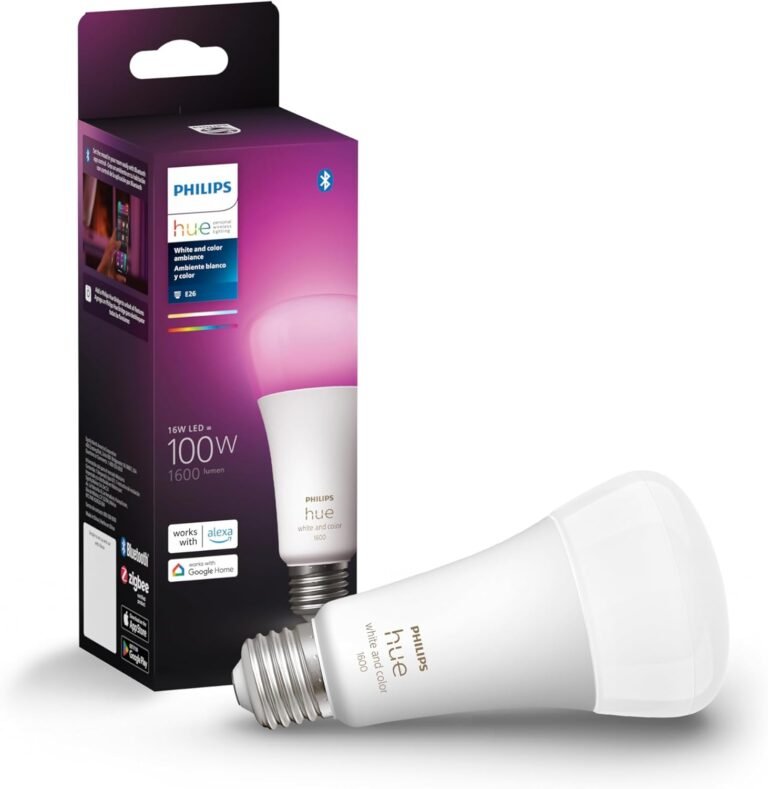
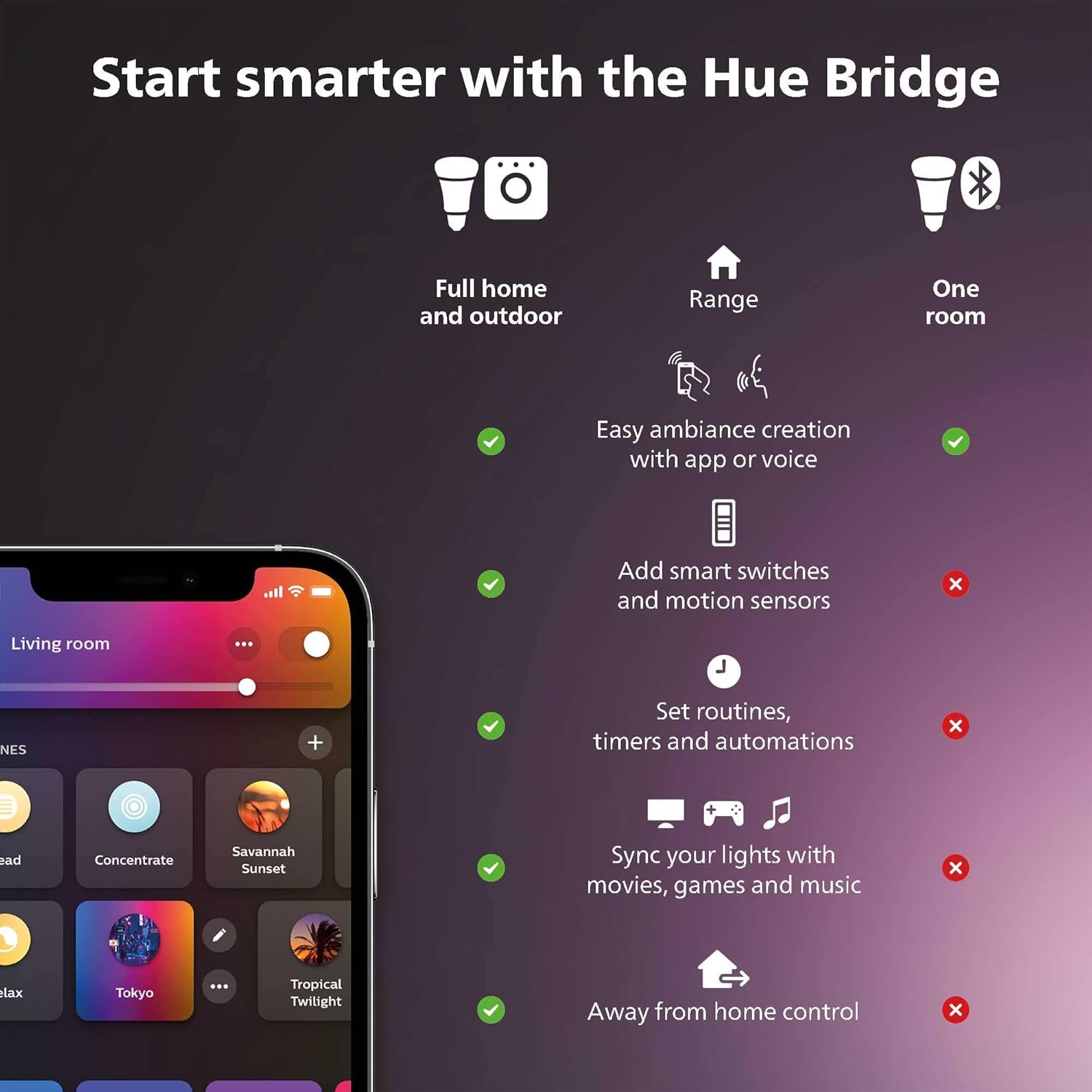
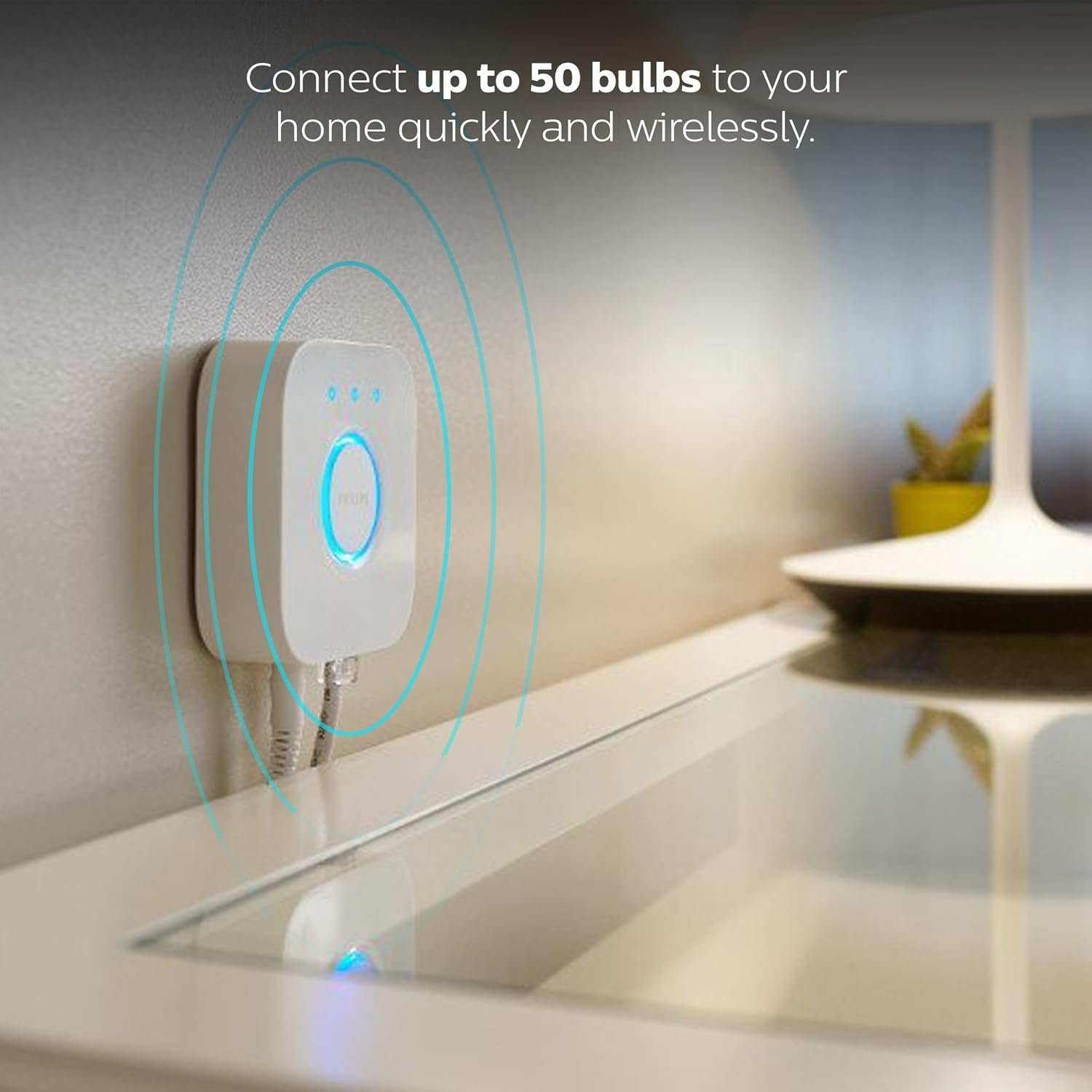
- Smart Home Hub Power: Seamlessly links your Philips Hue lights and accessories across zones—indoors and out. Supports up to 50 smart bulbs or devices via Zigbee for a stable connection that won’t stress your home Wi-Fi, ensuring your smart lighting stays responsive even if the internet goes down.
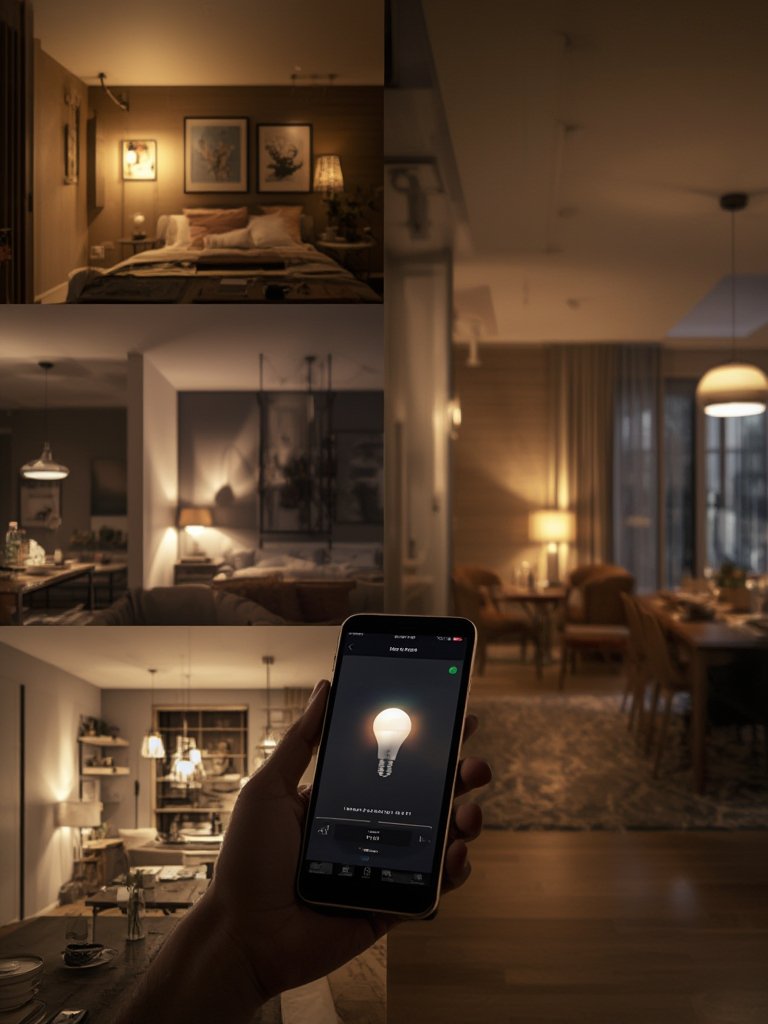
- Out of Home Control: The system’s secure hub enables you to control scenes, set lighting automations, and monitor your home from anywhere using the Hue app. Peace of mind, whether you’re at work or on vacation.
- Matter Compatible & Voice Control: Fully supports multi-platform control, including Alexa, Google Assistant, and Apple HomeKit. Integration with the new Matter standard means your hue bridge future-proofs your smart home setup.
- Lighting Automations & Sync Box: Create sophisticated routines—sunset dimming, wake-up lights, or synchronize lights with your movies and music using the HDMI sync box (sold separately). According to Philips Hue, this hub is required to unleash automations for both indoor and outdoor lighting zones.
Tech specs include Zigbee 3.0, Ethernet port for rock-solid reliability, automatic firmware updates, and Matter compatibility—ensuring long-term security and innovation. For detailed hardware changes and update coverage, see NotebookCheck’s Philips Hue Bridge update analysis.
Real-World Performance Testing
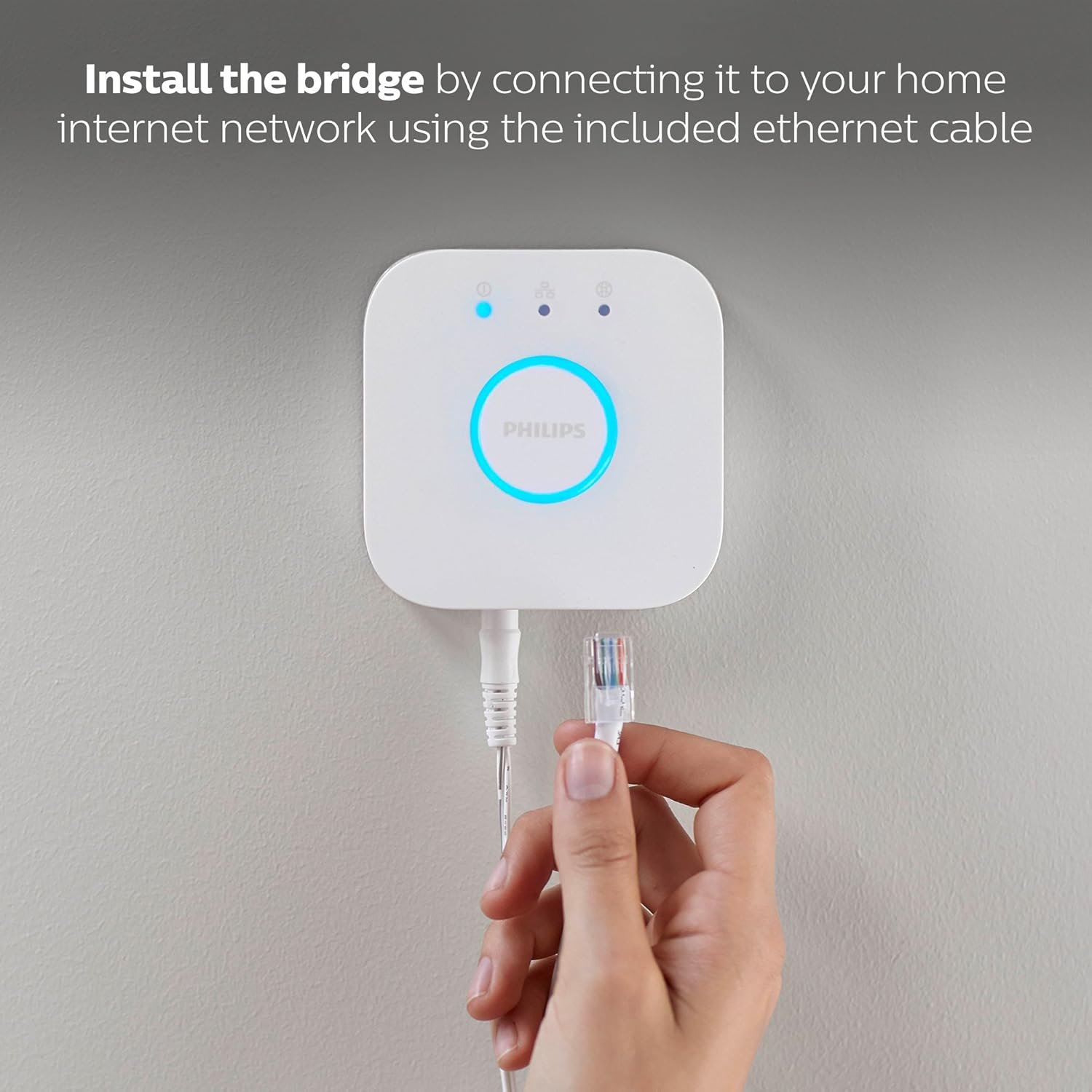
I set up the hue bridge in a mid-sized home with 21 smart bulbs (mix of indoor and outdoor), two Hue motion sensors, and a smart plug. The process—from plugging in the Zigbee hub to syncing bulbs—took under 15 minutes. Performance was consistently impressive: lighting automations for multi room lighting triggered within two seconds, and out of home control worked flawlessly via the secure app connection (even when I was miles away). Voice control through Alexa and Apple Home responded instantly.
One major perk: the stable connection. Even during a short Wi-Fi outage, the lights still obeyed scenes and automations via Zigbee. Pairing with the Hue sync box gave our living room a cinema-like effect, syncing our lighting to music and action sequences. A quick firmware update brought Matter compatibility online for easy integration with a variety of smart home hub ecosystems.
User perspective: “I love walking into my home and having the hallway and kitchen lights gently fade on.” Another customer wrote, “Being able to set automations for all my rooms and tweak them remotely is a game changer.” Slight downside? If you’re using more than 50 total lights, you’ll need a second bridge—but for most, that’s abundantly enough.
For more smart lighting inspiration, check out our Philips Hue Lightstrip review. And if you’re curious about cross-platform control, see our Matter smart lighting setup guide.
Hue Bridge vs Competitors
The hue bridge stands out against its main rivals—Samsung SmartThings and the Aqara Hub—thanks to its bulletproof Zigbee stable connection, focus on lighting automations, and seamless Matter integration. Although the Aqara offers broader sensor integration, it often falls short in reliability and voice control. Samsung’s hub is a solid smart home hub, but when it comes to lighting feel and compatibility (especially for syncing with a sync box), hue bridge wins. Priced around $55–$60, it’s not the cheapest—Aqara starts near $35—but the warranty and track record of Philips Hue offer more peace of mind.
Who Should Buy Philips Hue Bridge, Unlock The Full Potential of Hue Bridge System, Multi-Room and Out-of-Home Control, Create Automations and Zones, Smart Lighting Hub, Works with Voice and Matter-Compatible?
- Smart Lighting Hobbyist: If you love tinkering with lighting automations, scenes, and experimenting with multi room lighting, the hue bridge is made for you!
- Home Automation Fanatic: Integrate with Alexa, Google Assistant, Apple Home, and create voice-activated routines for every occasion—great for families that want reliable, voice control convenience.
- Urban Apartment Owners: If you want reliable out of home control for security or to create ambiance while away, this hub fits perfectly.
- Who Should Skip? If you only want to control one bulb remotely or dislike any setup, a Bluetooth-only Hue bulb or simpler device could suffice.
For deeper dives into integrating home automation or exploring dynamic strips, see our latest smart LED strip lights guide.
Frequently Asked Questions
Q: How does the hue bridge provide out of home control?
A: The hue bridge acts as a secure local smart home hub using Zigbee; it also bridges to the Hue cloud so you can control your lighting automations from the app anywhere in the world. For official specs, visit HueBlog’s review of the Hue Bridge Pro.
A: The hue bridge acts as a secure local smart home hub using Zigbee; it also bridges to the Hue cloud so you can control your lighting automations from the app anywhere in the world. For official specs, visit HueBlog’s review of the Hue Bridge Pro.
Q: Is the hue bridge Matter compatible?
A: Yes! With the latest firmware, you can add Matter-compatible devices and cross-link with Apple Home, Google Home, and Alexa. It ensures your home automation investment is future-proof. For a breakdown on Matter setups, see our step-by-step Matter guide.
A: Yes! With the latest firmware, you can add Matter-compatible devices and cross-link with Apple Home, Google Home, and Alexa. It ensures your home automation investment is future-proof. For a breakdown on Matter setups, see our step-by-step Matter guide.
Q: What’s the difference between a hue bridge and a sync box?
A: The hue bridge is the command center, while the sync box is an add-on that syncs lights to your TV or music. Both integrate for immersive entertainment, but the bridge is required for overall system control.
A: The hue bridge is the command center, while the sync box is an add-on that syncs lights to your TV or music. Both integrate for immersive entertainment, but the bridge is required for overall system control.
Q: Can I connect more than 50 devices to a hue bridge?
A: Officially, one bridge supports up to 50 lights/accessories. For bigger setups (large homes, commercial uses), multiple bridges may be needed.
A: Officially, one bridge supports up to 50 lights/accessories. For bigger setups (large homes, commercial uses), multiple bridges may be needed.
Q: Will my lights still work if Wi-Fi is down?
A: Absolutely. The hue bridge uses Zigbee for a stable connection that functions locally—even during internet outages. You won’t lose control over essential lighting automations.
A: Absolutely. The hue bridge uses Zigbee for a stable connection that functions locally—even during internet outages. You won’t lose control over essential lighting automations.
If you want more entertainment-focused smart lighting (bias lighting, sync with your TV), don’t miss our full HDMI sync lighting guide.