

### Blog Post:
wireless puck lights have quickly become must-have upgrades for renters, DIYers, and anyone needing fast, flexible accent lighting solutions. But as adoption soars, real-world reviews and market research reveal surprising pitfalls that buyers should know before they buy.
Key Takeaways
- The wireless puck light market is expanding rapidly, driven by smart home demand and DIY-friendly features, but many models still disappoint in brightness, battery life, and reliability.
- Rechargeable puck lights offer improved performance and features versus AA/AAA models—yet users report battery aging, frustrating charging routines, and adhesive/mounting failures.
- Long-term ownership cost, battery waste, and actual energy efficiency are often overlooked—smart shoppers can save money and hassle by comparing specs, mounting options, and user-reported pitfalls.
- What Are Wireless Puck Lights and Why Do They Matter?
- How to Choose and Install Wireless Puck Lights (Step-by-Step Guide)
- Wireless Puck Lights: Advanced Analysis & Common Pitfalls
- Conclusion
- FAQ
What Are Wireless Puck Lights and Why Do They Matter?
Wireless puck lights are compact, battery-powered or rechargeable LED fixtures designed to provide quick lighting solutions under cabinets, inside closets, or any spot where wiring isn’t practical. They deliver targeted illumination, installing via adhesive, magnets, or screws—no electrician needed.
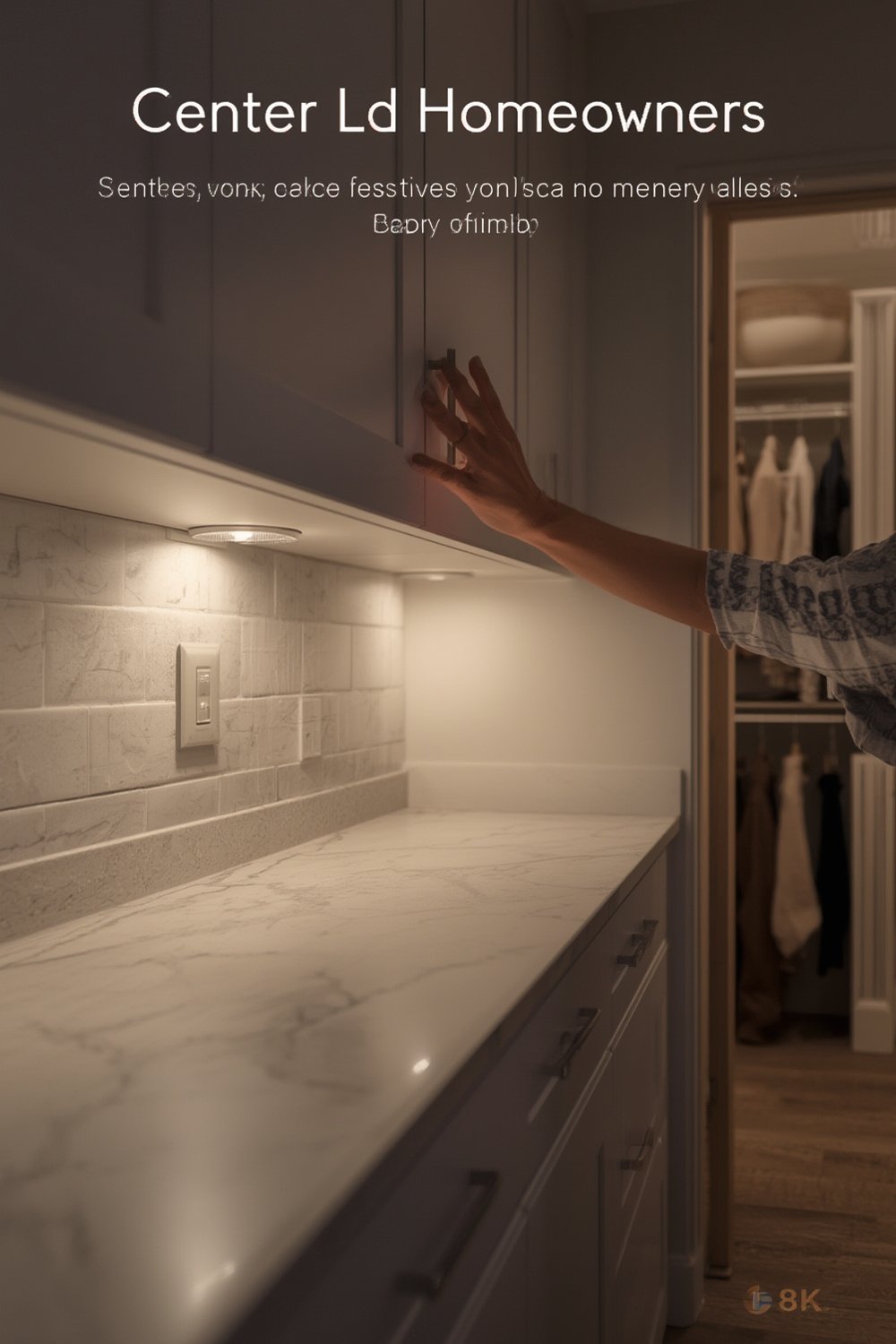
These lights have captured the market because they solve a huge pain point: most homes and rentals lack proper lighting under shelves, in pantries, or in wardrobe spaces. The global market reached about USD 525 million in 2024 for puck lights alone—and the broader smart rechargeable segment is now a USD 1.2 billion industry.
But not all wireless puck lights perform equally. Some offer exceptional brightness, easy controls, and long runtime, while others cause headaches with adhesive failures, uneven lighting, or batteries that die in days. The right choice lets you brighten kitchen counters without rewiring, optimize closets for visibility, or install accent lighting wherever you need it.
How to Choose and Install Wireless Puck Lights (Step-by-Step Guide)
- Assess your needs and lighting goals
- Where will you use the lights—kitchen, closet, hallway, display shelf?
- Do you need basic accent lighting, bright task light, or smart sensor features (motion, dimming, timers)?
- Consider installation surfaces: wood, tile, painted drywall, or metal.
- Compare product specs and real-world reviews
- Check brightness (lumens), battery type (AA/AAA or rechargeable), runtime, mounting method (magnet, adhesive, screw), and control options (remote, touch, app).
- Look for honest user complaints about battery claims, charging, and mounting reliability—as highlighted in our advanced analysis below.
- Keep in mind: Rechargeable models offer more features, but require occasional recharging and may have battery aging issues.
- Brands rarely publish CRI (color rendering index) or actual beam spread—stick to well-reviewed, widely sold models for best consistency.
- Choose the right mounting strategy
- Adhesive works for smooth, clean, low-humidity surfaces but often fails on textured or painted areas—magnetic or screw mounts are more reliable for long-term use.
- For ease of charging (on rechargeable pucks), magnetic mounting plates are ideal—just pop lights off as needed.
- Install with care for performance and durability
- Clean surfaces thoroughly before applying adhesive or magnets.
- Test locations with lights before final mounting to ensure even coverage and avoid accidental activation.
- For under-cabinet or shelf task lighting, stagger pucks evenly for consistent brightness—consider placement tricks, such as rotating pucks to angle beams.
- Optimize controls and battery management
- Take time to program remotes, timers, or smart features—motion activation and auto-off save battery life.
- Set up recharging schedules for rechargeable models, especially in high-use areas, to avoid dark spots.
- Use rechargeable AA/AAA cells in traditional pucks to cut down on waste and long-term cost.
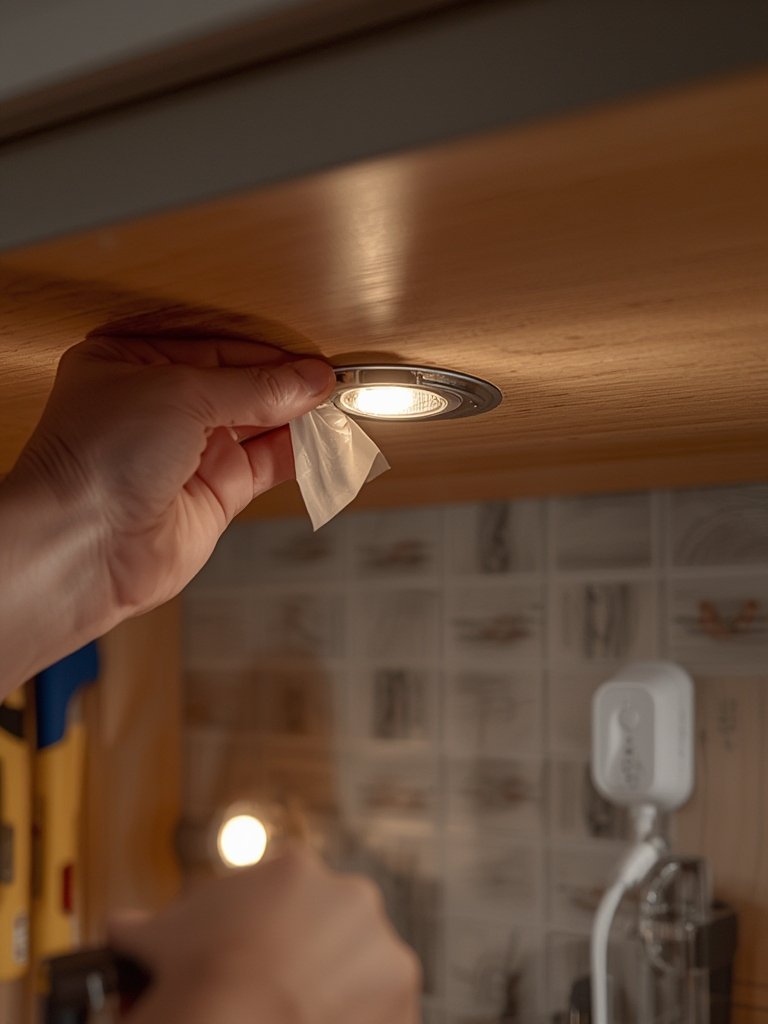
For more inspiration, see how users adapt wireless puck lights for unique setups—such as subtle stair riser lighting or as living room accent lights. There are nearly endless ways these flexible fixtures can solve lighting challenges in apartments, older homes, and even dorm rooms.
Wireless Puck Lights: Advanced Analysis & Common Pitfalls
Despite massive adoption, real-world users report recurring pitfalls that guides rarely address. Here are the most critical to understand—plus a specification comparison so you can spot red flags early.
1. Top User Complaints
- Poor adhesive and mounting reliability: Adhesives frequently fail within weeks—especially in humid kitchens or textured closets. Lights can fall, causing damage to counters or cabinet finish.
- Disappointing brightness/uneven light: Many AA/AAA pucks are too dim for true task lighting; even high-output models struggle to evenly cover workspaces. Multi-pack sets sometimes show visible color or brightness mismatches.
- Shorter-than-advertised battery life: Some rechargeable pucks only run 2–3 hours at full brightness, far less than claimed. AA/AAA models often require frequent battery changes if used daily.
- Charging and maintenance frustrations: Rechargeables mean lights must be removed and recharged via USB—tedious with multi-light setups. charging routines can be a constant annoyance in busy areas like kitchens or wardrobes.
- Remote control/sensor issues: Cheap remotes often lack range or lose pairing; motion sensors may activate inconsistently, reducing battery life.
- Battery aging and safety: Lithium cells degrade after months of use; expect noticeably less runtime after a year. Some users report heat during charging, raising longevity and safety concerns—details often missing from manufacturer listings.
2. Rechargeable vs AA/AAA Models — Spec & Features Table
| Parameter | AA/AAA Battery Puck Lights | Rechargeable Puck Lights |
|---|---|---|
| Lumens per puck | ~30–80 (some up to 100) | ~60–120 (some up to 200) |
| Color temperature | Fixed (usually 2700–3000K, or 4000–5000K) | Adjustable (2700–6500K), multi-mode options |
| CRI | Not always listed (~70–80 typical) | Often 80+, premium models reach 90+ |
| Runtime (continuous, max brightness) | 8–20h per battery set | 2–6h per charge |
| Control | Push button or basic remote | Remote, touch, motion sensor, timers, some with app control |
| Costs (mid-2024 avg) | $2–4 per puck (basic), $3–5 (with remote) | $4–8 per puck (rechargeable, remote, and extra features) |
| Mounting | Adhesive and/or screw | Magnetic (best), adhesive, and/or screw |
3. Hidden Downsides & Under-Explored Issues
- Battery Waste & Environmental Impact: Disposable battery models can produce significant waste over a year—few guides do the math. Rechargeable units reduce alkaline use but introduce lithium recycling challenges.
- Total Cost of Ownership: AA/AAA pucks with regular use may cost you more over 1–2 years compared to rechargeable options—even factoring in the higher up-front price for rechargeables. Using rechargeable AA/AAA cells helps offset battery waste and recurring costs.
- Testing Gaps: Many reviews don’t use lux meters or standardized tests. Manufacturers often overstate lumens and runtime. Choose brands with real-world testing (or well-reviewed by hundreds of buyers).
- Rechargeable Battery Aging: Expect battery capacity to drop by 10–25% over the first 1–2 years on daily use pucks—runtime shrinks accordingly. Most models don’t offer replaceable cells.
- Surface Compatibility Matters: Adhesives rarely work well on rough, dusty, or slightly oily kitchen surfaces. Test before you mount multiple lights, and consider screw or magnetic mounts for lasting installs.
Want to compare how rechargeable night lights stack up for bathrooms or hallways? Review this battery motion night light guide for energy-efficient, safe navigation lighting. And for larger projects, see the pros and cons in the LED under cabinet lighting guide—it delves into plug-in and hardwired options, too.

Conclusion
Wireless puck lights can transform kitchens, closets, and dark areas with minimal effort—if you choose wisely. By comparing battery types, mounting options, brightness levels, and real user pitfalls, you can avoid the common headaches and enjoy lasting illumination. Remember, the right wireless puck lights deliver flexibility, efficiency, and impressive ease of installation—take the time to evaluate your best fit, and don’t be afraid to upgrade adhesives, batteries, or controls for optimal results.
Ready to upgrade your lighting? Explore high-performance options and be sure to factor in total cost, recharging logistics, and surface compatibility before you buy.
FAQ
How long do wireless puck lights typically last on a single charge?
Most rechargeable puck lights run 2–6 hours at maximum brightness per charge. At lower brightness or with motion/timer settings, some will last several days between charges. AA/AAA battery pucks may last 8–20 hours of continuous use but require frequent battery changes if used daily.
Are rechargeable or battery-powered puck lights more cost-effective?
Rechargeable models have a higher upfront cost but are often more cost-effective over 1–2 years of use because you won’t need to buy disposable batteries. Using rechargeable AA/AAA batteries in traditional models can also lower ownership costs.
What surfaces are best for mounting wireless puck lights?
Magnetic or screw mounts work best for long-term reliability on wood, tile, or metal. Adhesive can work well on smooth, clean surfaces but fails quickly on textured, painted, humid, or oily materials—especially in kitchens and bathrooms.
Do wireless puck lights integrate with smart home systems?
A few premium rechargeable puck lights offer app or hub integration (Wi-Fi, Bluetooth, or Zigbee), but most budget/midrange models do not. If you want to control all lighting from your smart home platform, double-check for compatibility before you buy.
How can I prevent wireless puck lights from falling or damaging cabinets?
Upgrade adhesives to high-quality 3M VHB tape or use a discreet screw for extra hold. For recurring failures on tricky surfaces, consider magnetic mounts or combining adhesive with mechanical support.
[…] style. Bars spread light evenly, while puck lights are great for spot lighting or unusual shapes. Puck lights can solve dim corners or odd shelving […]
[…] look for “bar” or “wide beam” models to avoid edge shadowing. Inspiration: wireless puck lighting for small […]